
Keep Digital Evidence Moving, Even Without Connectivity
Equip field teams and 911 operators with a dedicated desktop application designed for reliable evidence collection, offline viewing, uninterrupted background uploads, and secure syncing across environments.


Desktop Collection
Collect, upload, and manage digital evidence directly from a dedicated desktop application without relying solely on browser access.

Offline Viewing
View previously accessed evidence while offline, allowing work to continue when internet connectivity is limited or unavailable.

Background Uploads
Upload evidence files in the background so users can continue working without interruptions during large or long transfers.

Secure Sync
Securely sync evidence once connectivity is available, keeping files aligned without manual intervention.
Maintain Evidence Workflows Despite Limited or Unstable Connectivity
The desktop application allows users to continue working with evidence even when internet access is unreliable or temporarily unavailable, reducing delays during critical operations. This ensures productivity is not dependent on constant connectivity, which is especially important in field and emergency response environments.
Handle Large Evidence Files Without Slowing Down Active Work
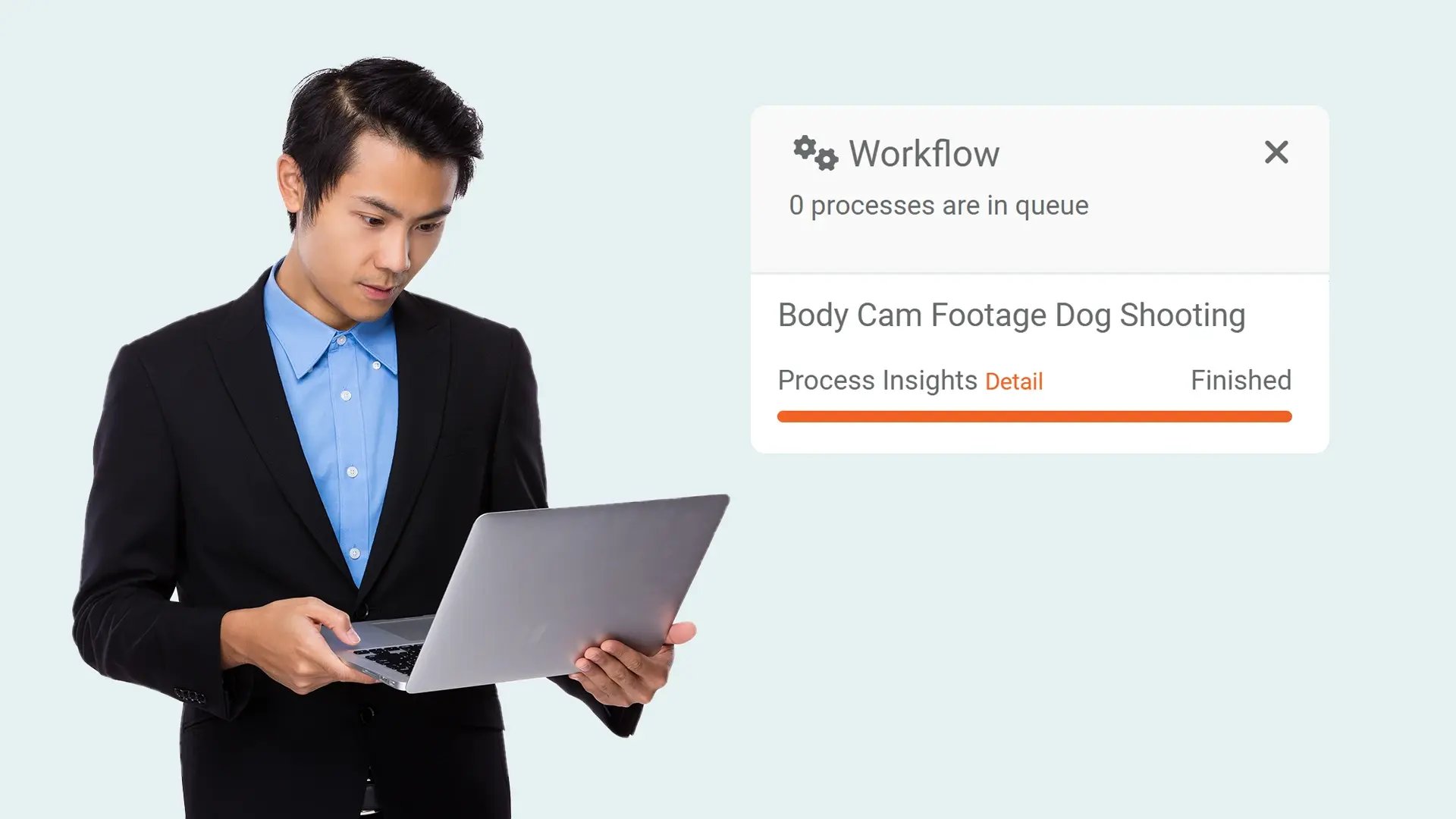
Large video and audio files can be uploaded in the background while users continue performing other tasks within the application. This approach prevents workflow interruptions and removes the need to wait for uploads to complete before continuing work.

An Adaptable Platform for Diverse Operational Environments
The desktop application is suited for a range of operational settings, including field operations, control rooms, and emergency communication centers. Its design supports different usage patterns without requiring changes to how teams already operate.

Reduce Manual Effort During Evidence Transfer and Synchronization
Once connectivity is available, evidence syncing occurs securely without requiring repeated user actions or oversight. This helps minimize manual handling and supports smoother evidence management across locations and shifts.
Support Consistent Evidence Access Across Teams and Locations
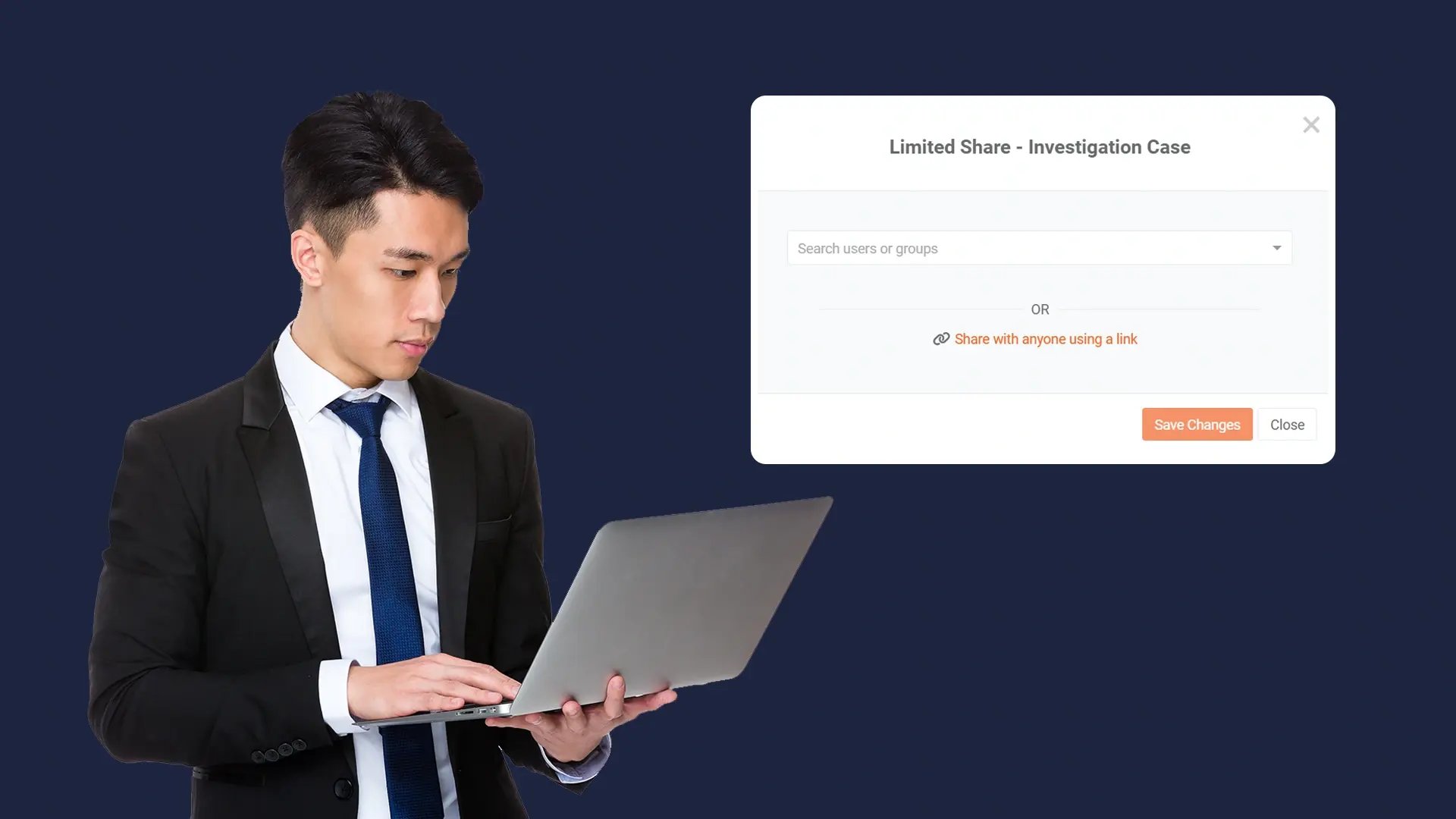
Secure syncing ensures evidence remains up to date and accessible for authorized users working across different locations or time periods. This consistency helps teams collaborate more effectively while maintaining controlled evidence handling.

Collect
Get evidence into your system. Upload files from any device or pull them in automatically from connected sources like bodycams or cloud storage.

Store
Keep all your evidence in one secure, central location. Organize it by case and control who can access it, with protection for sensitive information.

Review & Process
Work with your evidence. Use tools to search, analyze, annotate, and redact videos and documents right within the platform with your team.

Share & Preserve
Close the loop. Share finalized evidence securely with prosecutors or other agencies or archive it to meet long-term legal requirements.
