
Prevent Unauthorized Portal Enrollment by Approved Email Domain
VIDIZMO DEMS Domain Restriction allows administrators to define approved email domains for portal registration. During sign-up, the system validates the email domain and blocks registration attempts that do not meet the configured criteria.
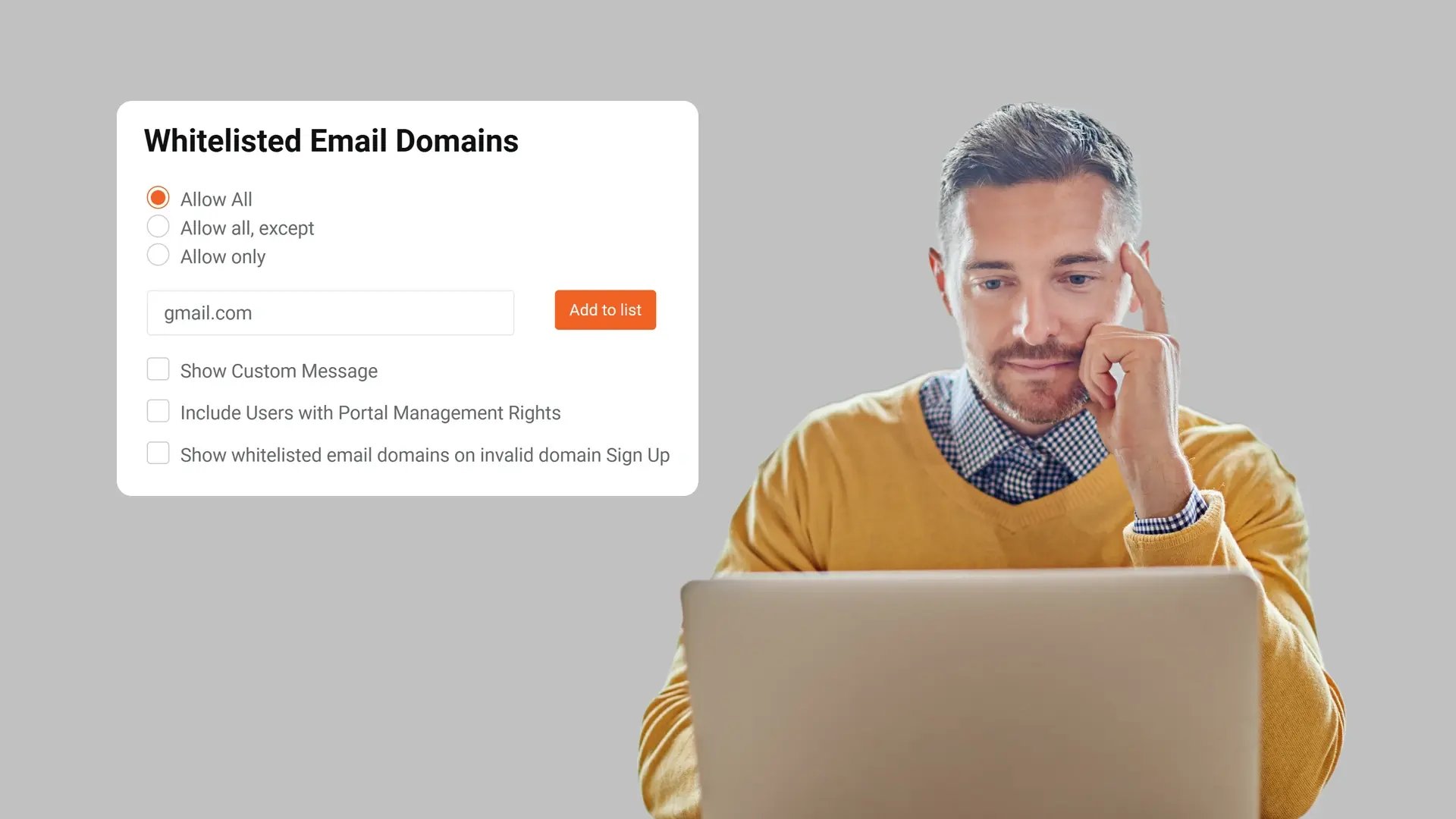
Control Who Can Register for Portal Access
Domain Restriction allows administrators to define which email domains are permitted to sign up for the portal. Registration attempts using unapproved domains are blocked, ensuring that enrollment aligns with agency-defined access standards.
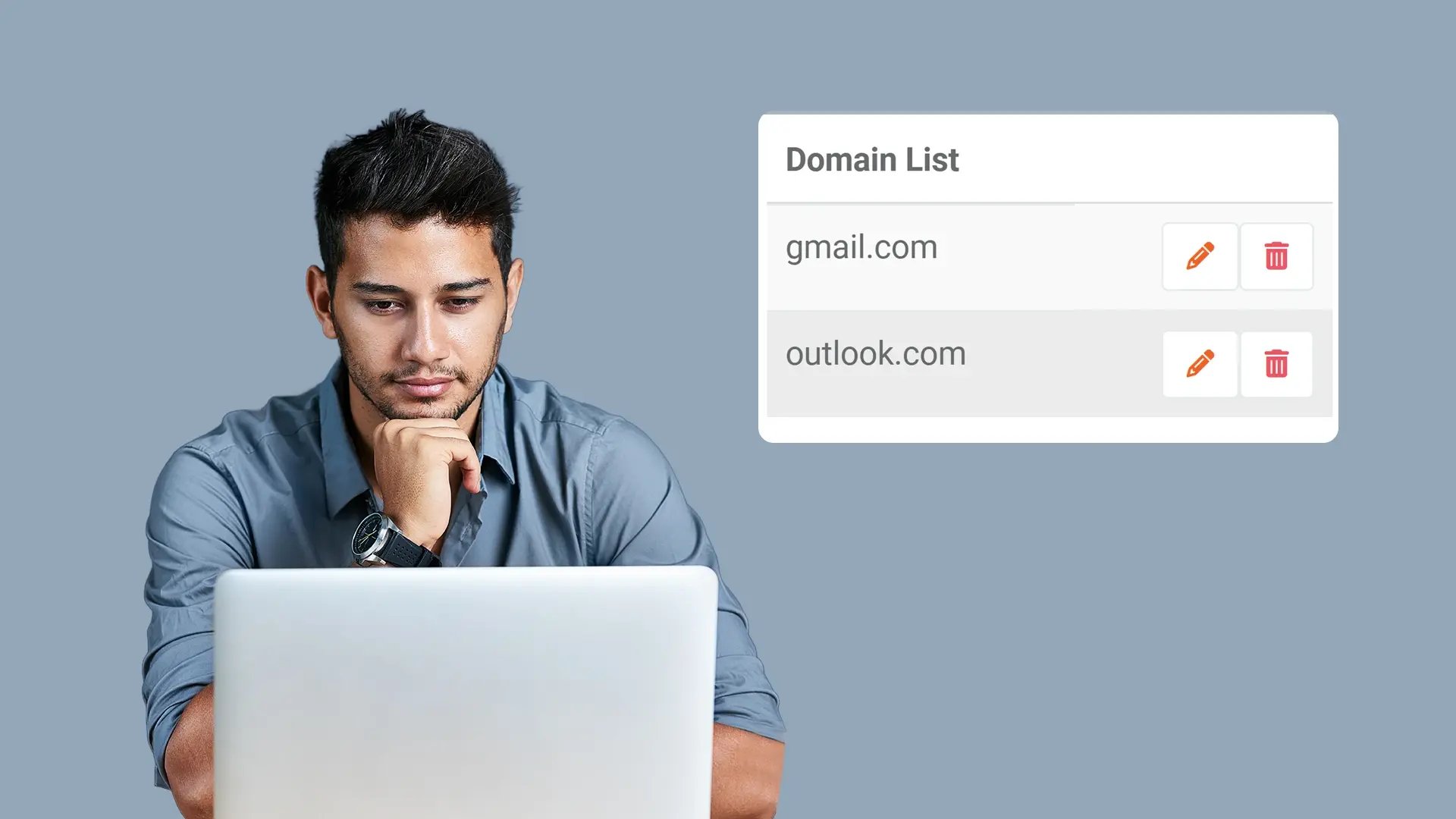
Restrict Portal Enrollment to Authorized Organizations
By limiting sign-up to approved domains, agencies ensure that portal access is confined to designated organizations, departments, or partner entities. This reinforces controlled, organization-level access governance at the point of registration.
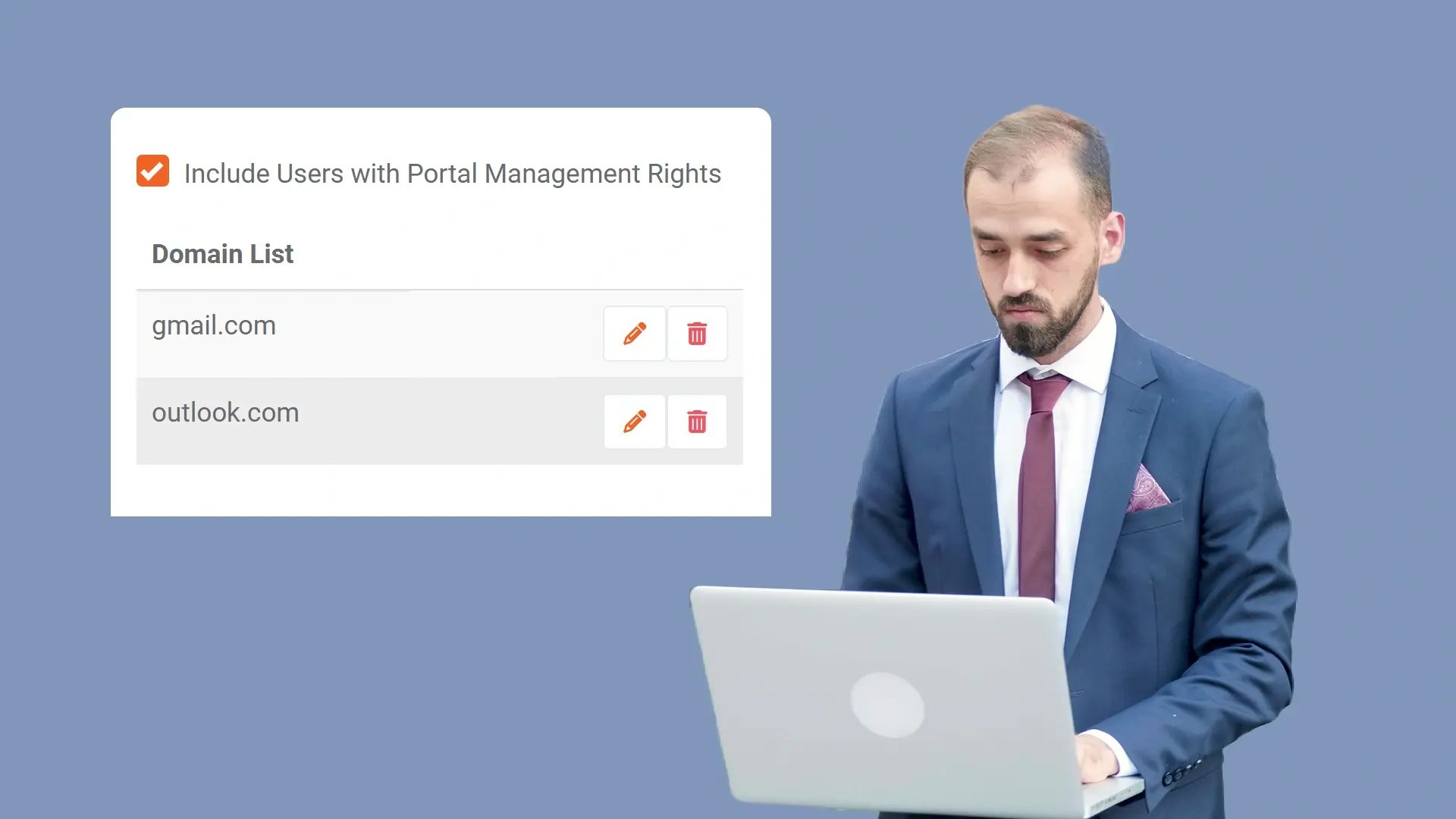
Reduce Administrative Review of Unapproved Requests
Blocking registration attempts from unapproved domains reduces the need to manually review or reject unauthorized join requests. This helps maintain a controlled user onboarding process without expanding administrative overhead.
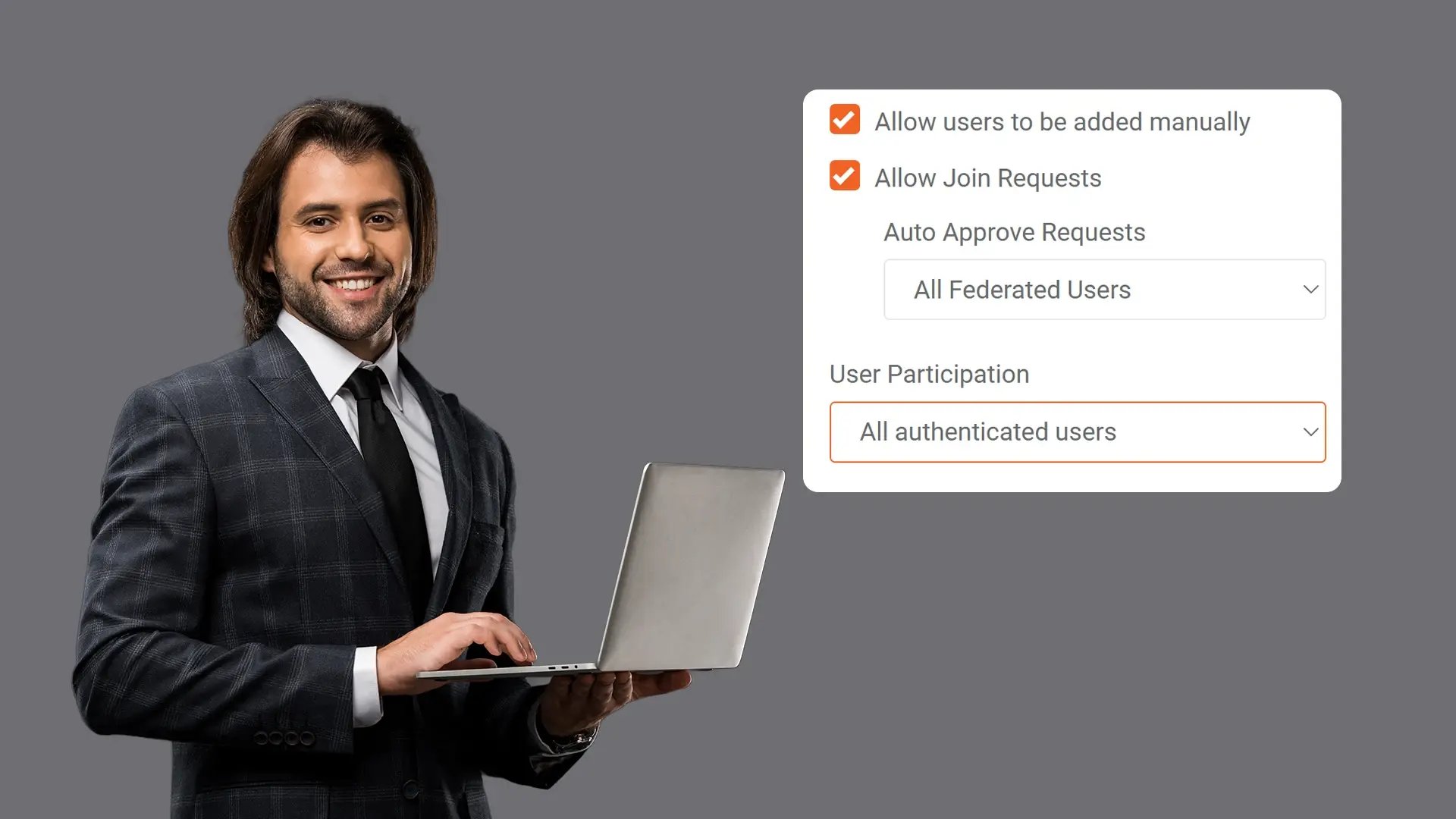
Provide Clear Communication During Sign-Up
Custom messaging can be configured to inform users when their email domain is not permitted. This ensures that domain-based restrictions are clearly communicated during the registration process.


Collect
Get evidence into your system. Upload files from any device or pull them in automatically from connected sources like bodycams or cloud storage.

Store
Keep all your evidence in one secure, central location. Organize it by case and control who can access it, with protection for sensitive information.

Review & Process
Work with your evidence. Use tools to search, analyze, annotate, and redact videos and documents right within the platform with your team.

Share & Preserve
Close the loop. Share finalized evidence securely with prosecutors or other agencies or archive it to meet long-term legal requirements.
