
Prevent Unauthorized Portal Login from Unapproved Geographic Regions
VIDIZMO DEMS Geo-Restriction enables agencies to control portal login access based on configured geographic locations. Using defined IP address ranges associated with approved locations, login attempts originating from restricted regions are declined according to administrator-defined access policies.
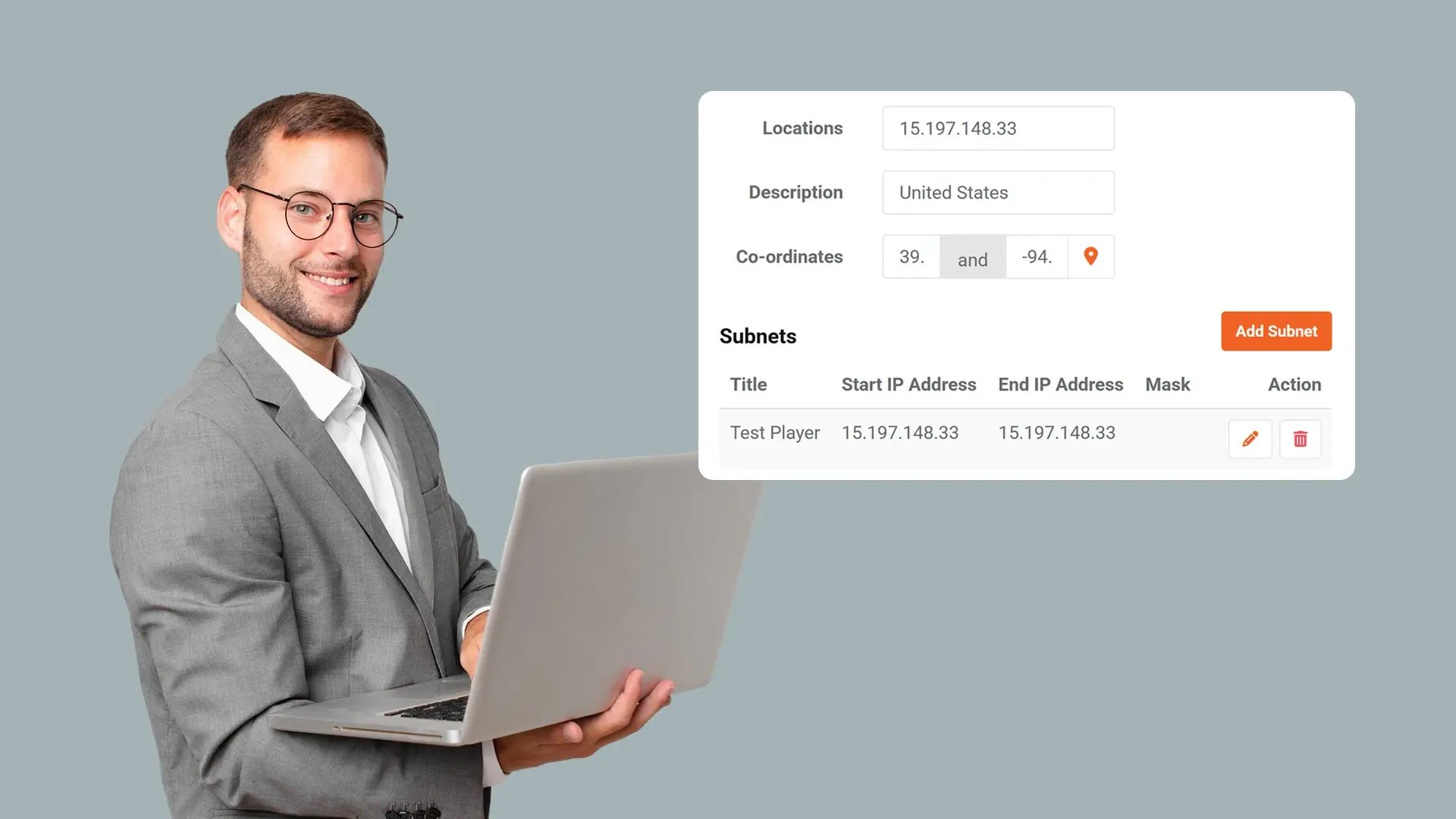
Define Clear Location-Based Access Rules
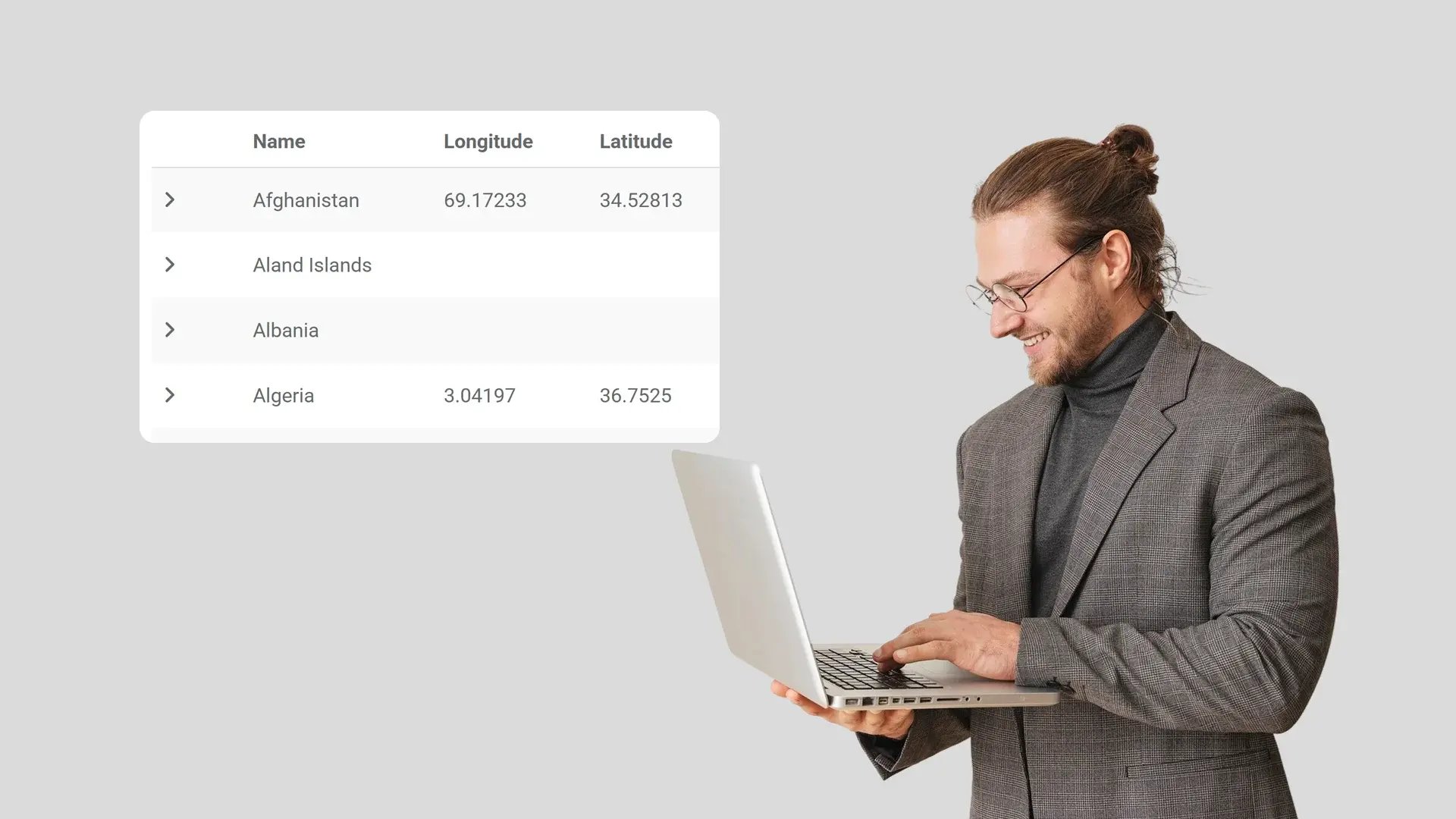
Administrators can configure structured location rules such as allowing all locations, allowing all except specified locations, or allowing only designated locations. These defined models provide controlled and predictable enforcement of geographic login restrictions.
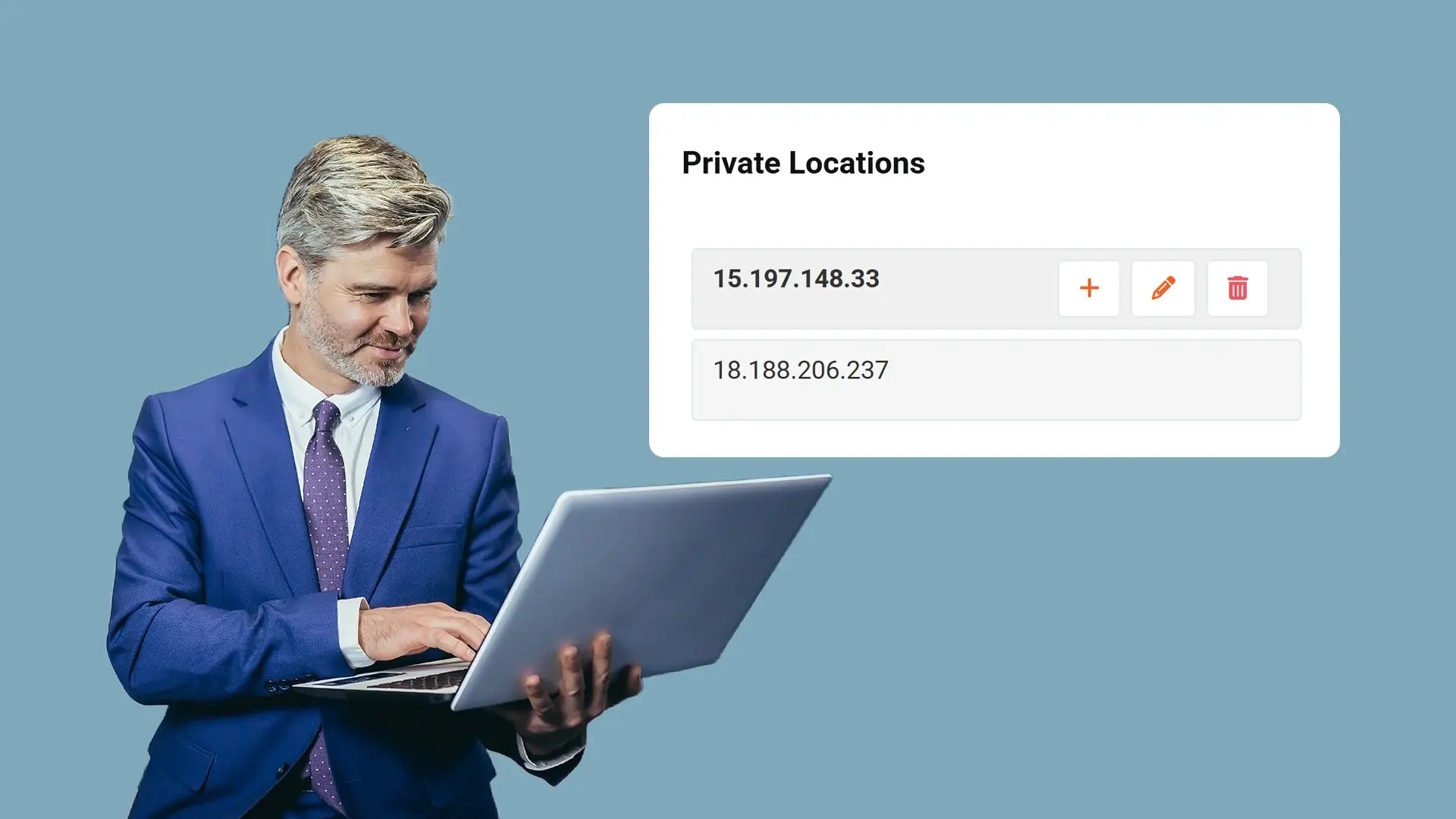
Block Portal Login Attempts from Restricted IP Locations
Geo-Restriction applies administrator-defined IP address ranges to determine whether a login attempt is permitted. Based on the configured access model, login requests originating from restricted locations are declined. This ensures geographic login rules are technically enforced at the point of authentication.
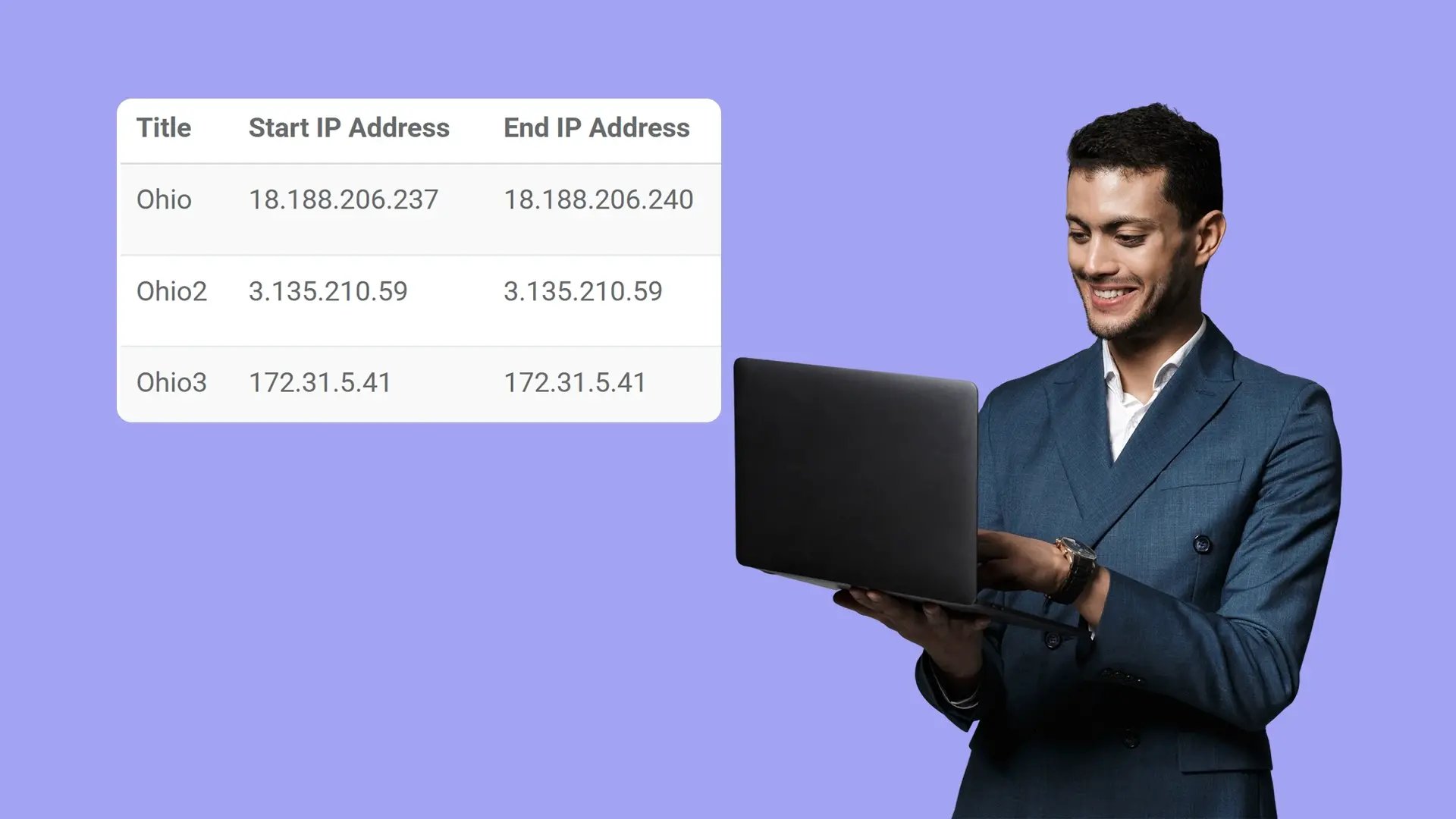
Maintain Administrative Control Over Geographic Access
Location-based login restrictions are managed within the Control Panel under Security settings and require appropriate permissions. This keeps geographic access policies under authorized oversight and allows updates as operational needs change.
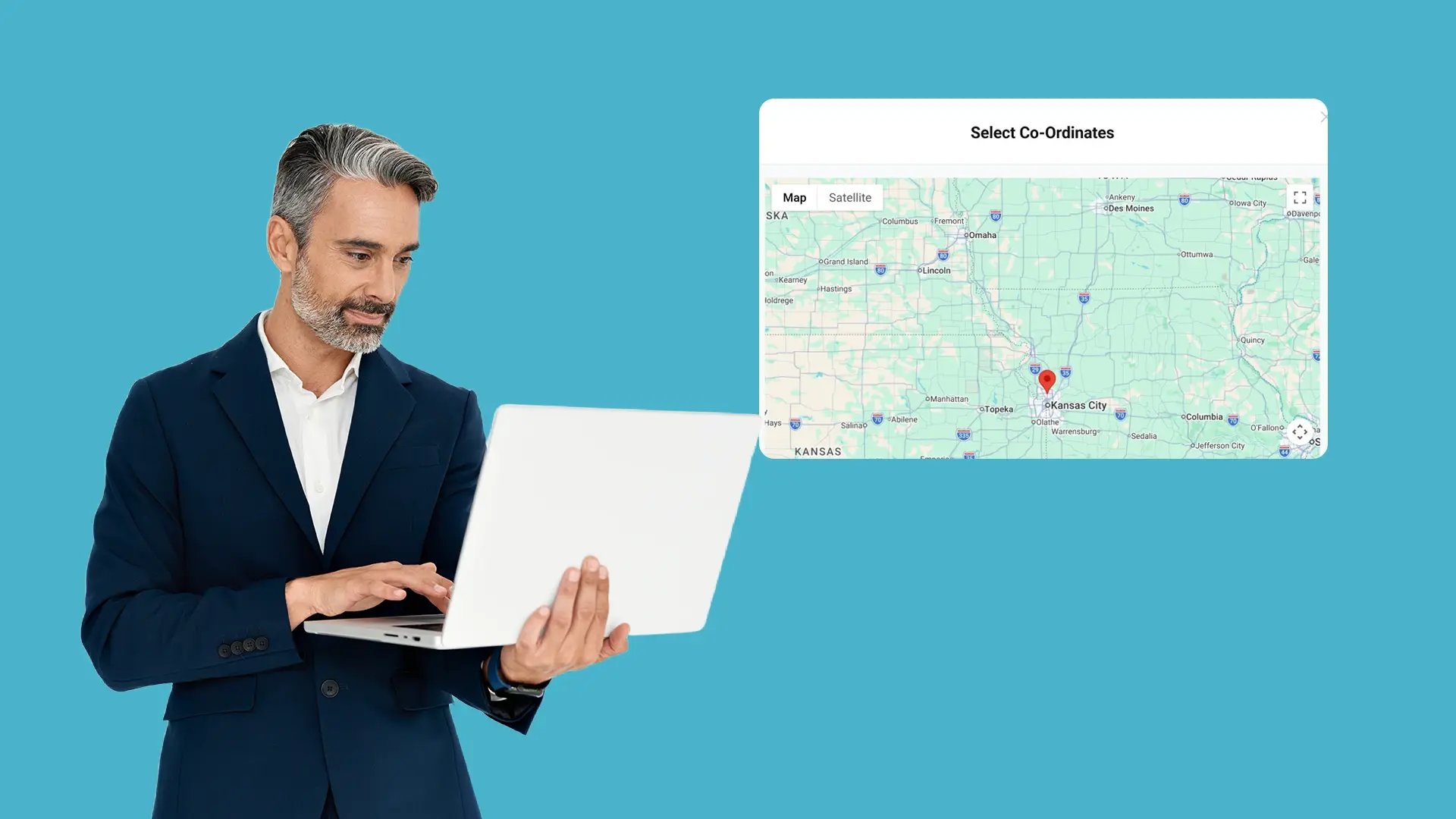
Align Portal Access with Compliance and Jurisdictional Requirements
Public safety and government agencies often operate under geographic access obligations. Geo-Restriction allows administrators to configure location-based login controls that support internal governance standards and regulatory requirements without modifying core authentication systems.

Collect
Get evidence into your system. Upload files from any device or pull them in automatically from connected sources like bodycams or cloud storage.

Store
Keep all your evidence in one secure, central location. Organize it by case and control who can access it, with protection for sensitive information.

Review & Process
Work with your evidence. Use tools to search, analyze, annotate, and redact videos and documents right within the platform with your team.

Share & Preserve
Close the loop. Share finalized evidence securely with prosecutors or other agencies or archive it to meet long-term legal requirements.
