
Define Strict Limits on Who Can Access Shared Evidence
VIDIZMO DEMS gives administrators direct control over how evidence is shared. They can set how long access remains active, limit how many times evidence can be viewed, and define whether recipients can only view or also edit. These limits apply to both internal and external sharing to keep evidence access clearly defined and restricted.
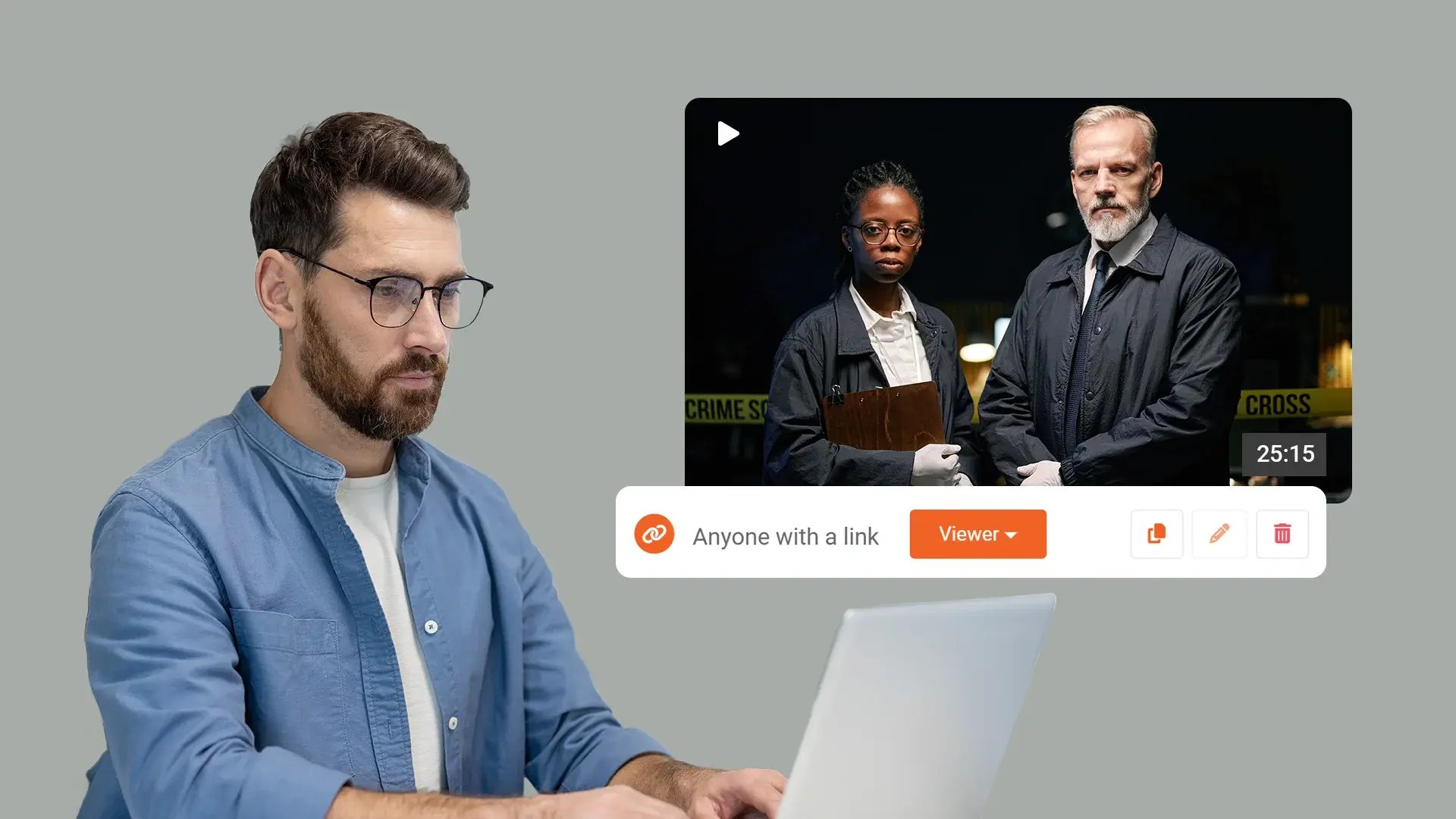

Prevent Unlimited Sharing
Users can only create time-bound sharing licenses. Portal-level settings block unlimited or open-ended access.

Time and View Limits
Set how long shared links remain active and how many times evidence can be accessed. Apply these limits across the portal.

Defined Access Rights
Assign Viewer, Limited Viewer, Editor, or Limited Editor licenses to users, groups, or link recipients. Configure duration and view limits where applicable.

External Sharing Controls
Enable sharing with external users through security policy settings. Require registration as Public Users before accessing shared evidence.
Apply Consistent Sharing Rules Across the Portal
Portal-level settings ensure that the same sharing limits apply to all users. This reduces inconsistent access configurations and keeps evidence distribution aligned with defined security and handling policies.

Control How Long and How Often Evidence Is Accessed
Administrators can define link expiration periods and maximum view counts. These limits help manage how long shared evidence remains accessible and how frequently it can be opened.
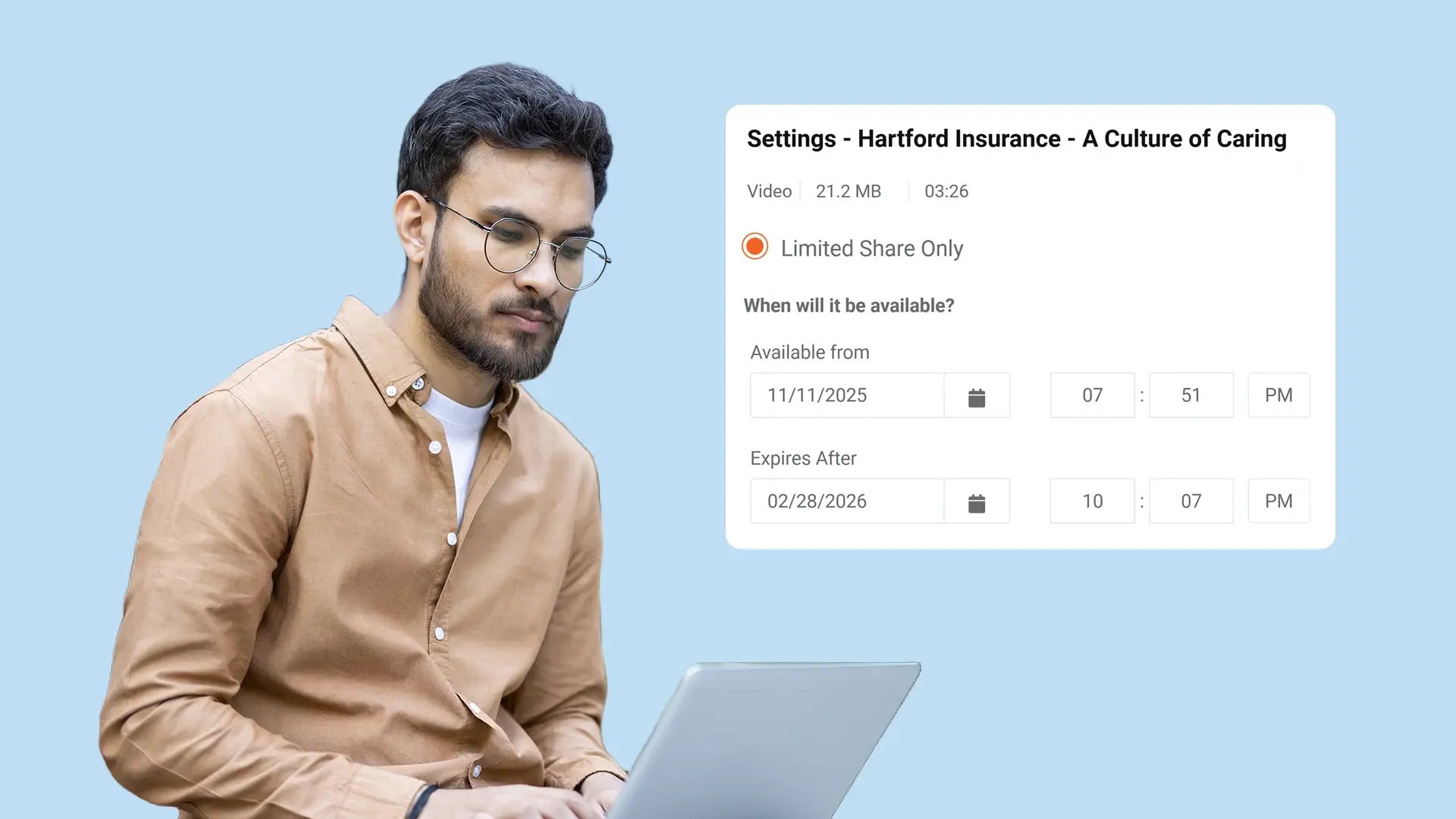
Assign Clear Viewing and Editing Rights
License types clearly define what recipients can do with shared evidence. Agencies can grant view-only access or allow editing permissions, with optional time and view restrictions applied where required.
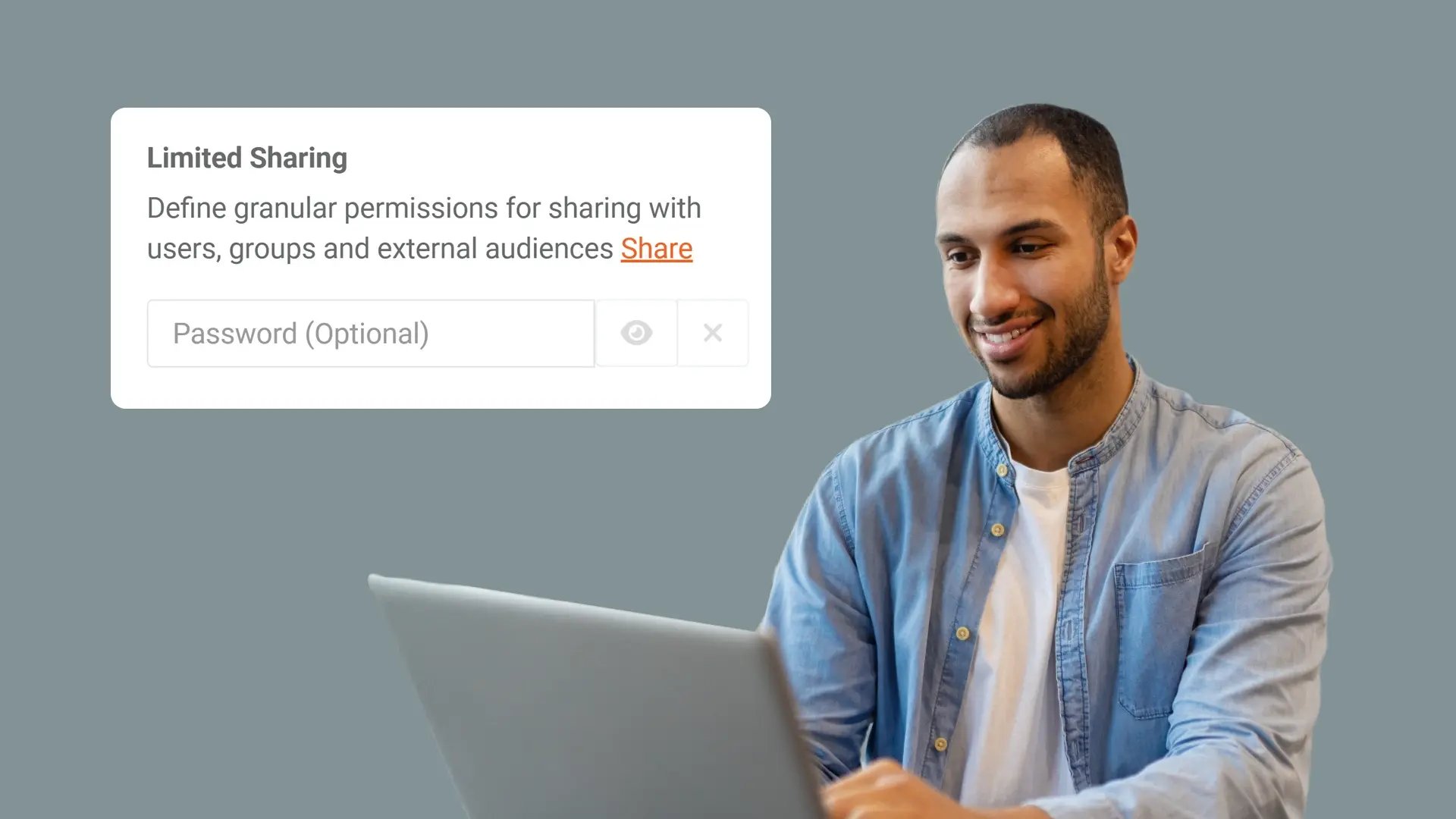
Share with External Users Under Defined Conditions
When enabled in the security policy, evidence can be shared with external users who register as Public Users. Access remains governed by the same defined license and limitation settings.


Collect
Get evidence into your system. Upload files from any device or pull them in automatically from connected sources like bodycams or cloud storage.

Store
Keep all your evidence in one secure, central location. Organize it by case and control who can access it, with protection for sensitive information.

Review & Process
Work with your evidence. Use tools to search, analyze, annotate, and redact videos and documents right within the platform with your team.

Share & Preserve
Close the loop. Share finalized evidence securely with prosecutors or other agencies or archive it to meet long-term legal requirements.
