
Control Who Can Access and Manage Digital Evidence
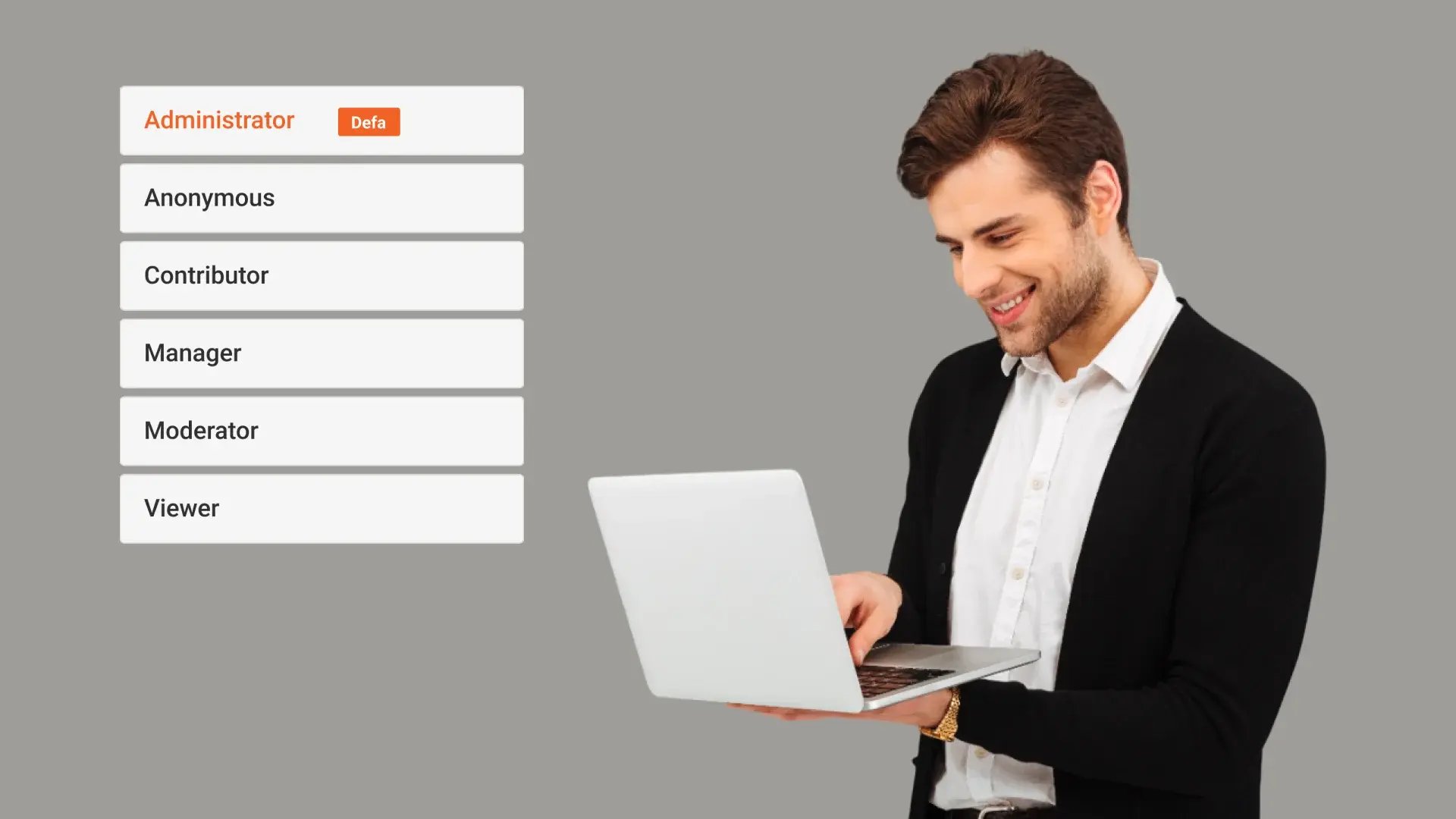
VIDIZMO DEMS uses role-based access to control how users interact with digital evidence and system functions, ensuring that access and permissions align with defined responsibilities within an organization.

Role-Based Access Controls
Predefined user roles with default permission sets support structured access to digital evidence and system functions.

Permission Enforcement
Each role is assigned specific permissions that determine what actions a user can perform within the environment.

Configurable Roles
Organizations can configure role permissions to align access levels with operational and governance requirements.

Controlled Evidence Access
Role-based access governs how users view, manage, and work with digital evidence based on their assigned role.
Enforce Appropriate Access to Digital Evidence
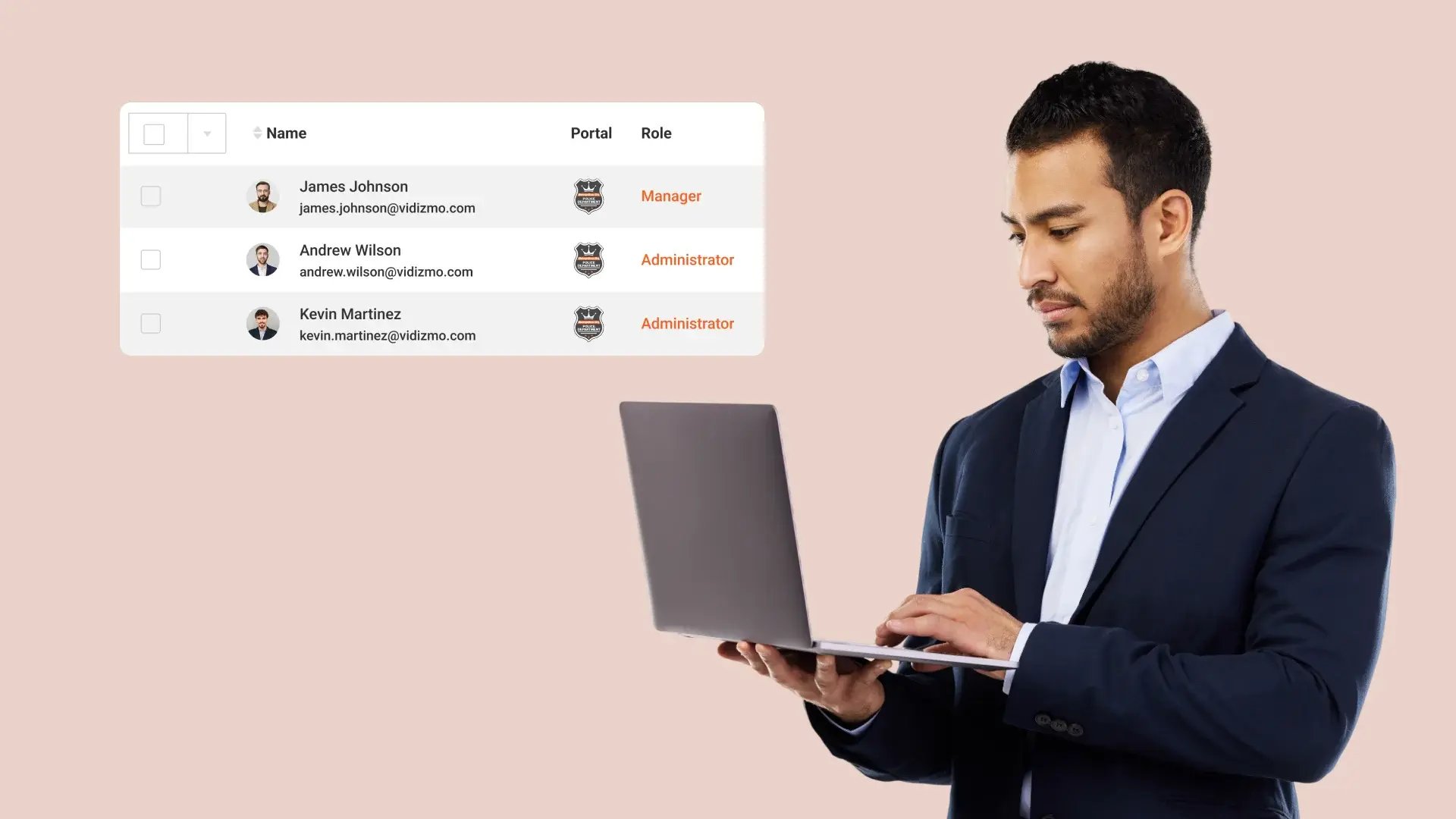
Role-based access ensures that users can only view or manage digital evidence appropriate to their responsibilities. By limiting access based on defined roles, organizations reduce unnecessary exposure of sensitive evidence while maintaining operational efficiency.
Support Secure and Accountable Evidence Handling
Clearly defined permissions help establish accountability by ensuring that evidence interactions occur only within authorized roles. This supports controlled evidence handling practices and reduces the risk of unauthorized actions within investigative workflows.
Reduce Risk of Unauthorized Evidence Access
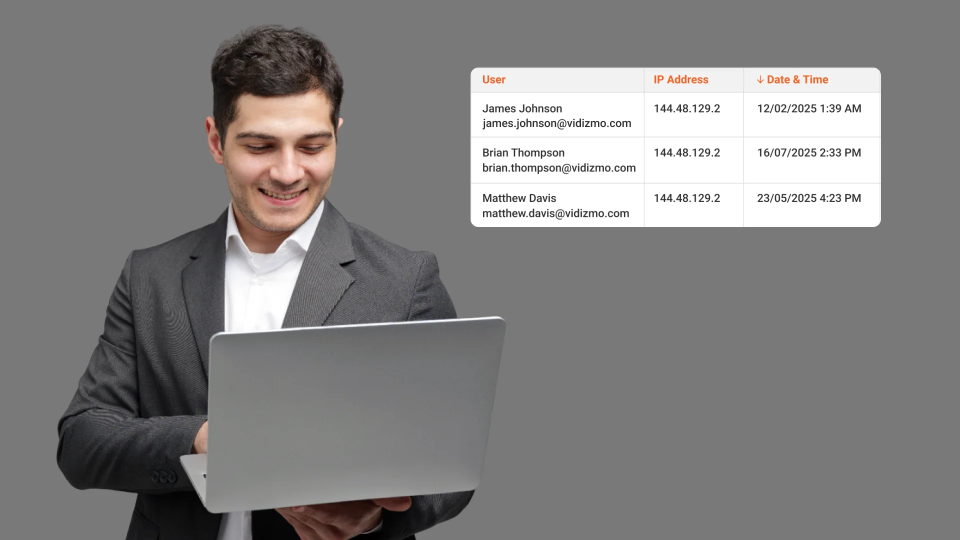
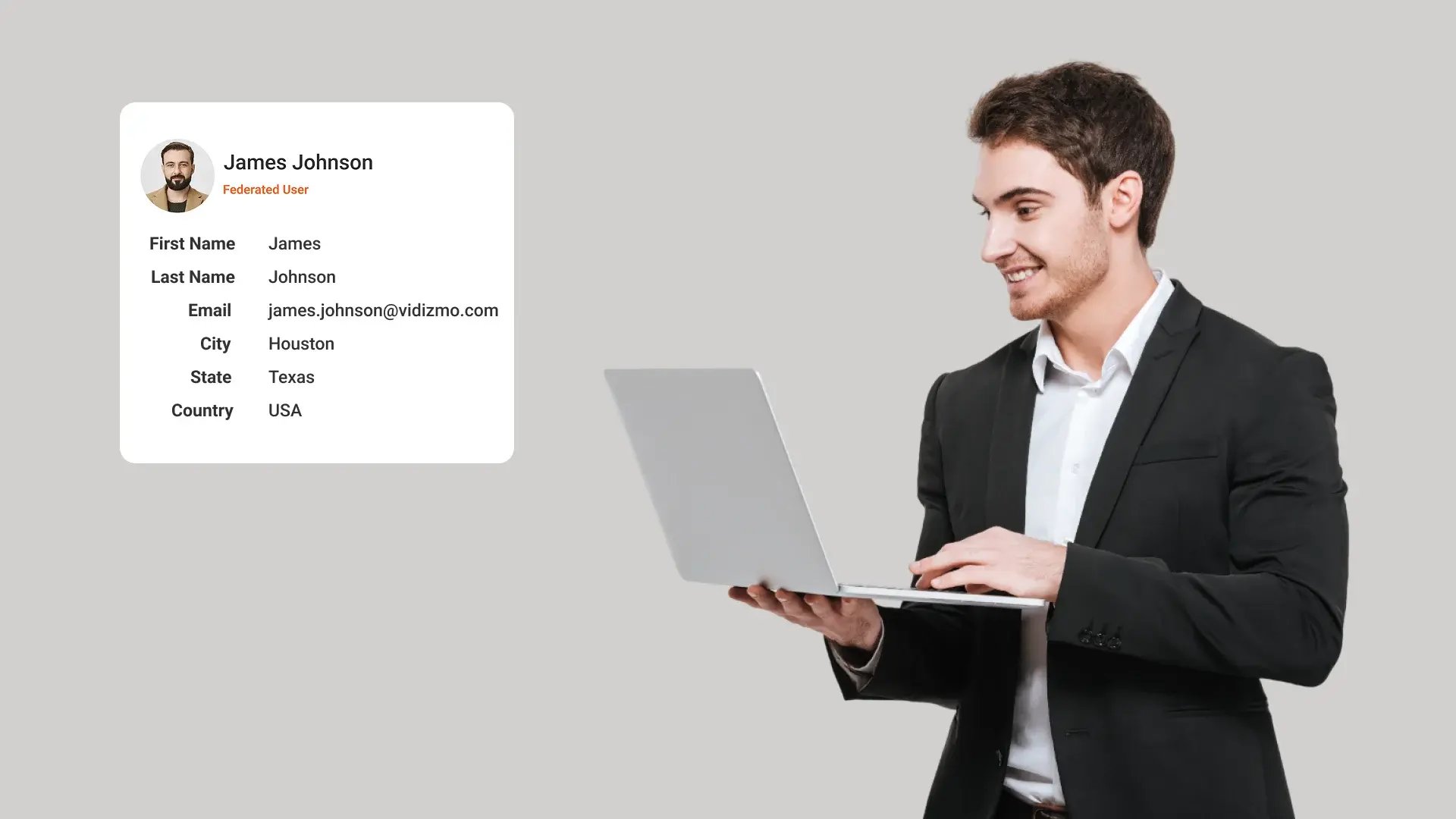
Restricting evidence access by role helps limit the potential for accidental or intentional misuse of digital evidence. This approach supports stronger internal controls by ensuring that access is granted only where it is operationally justified.

Collect
Get evidence into your system. Upload files from any device or pull them in automatically from connected sources like bodycams or cloud storage.

Store
Keep all your evidence in one secure, central location. Organize it by case and control who can access it, with protection for sensitive information.

Review & Process
Work with your evidence. Use tools to search, analyze, annotate, and redact videos and documents right within the platform with your team.

Share & Preserve
Close the loop. Share finalized evidence securely with prosecutors or other agencies or archive it to meet long-term legal requirements.
