
Maintain Active Oversight of Flagged Evidence and Cases
VIDIZMO DEMS allows authorized users to flag evidence or cases and receive alerts for selected events. Flagged items are organized in a dedicated section for centralized review. Users can set default or item-specific notification preferences to stay informed and maintain visibility over evidence without changing access permissions.


Flag Evidence
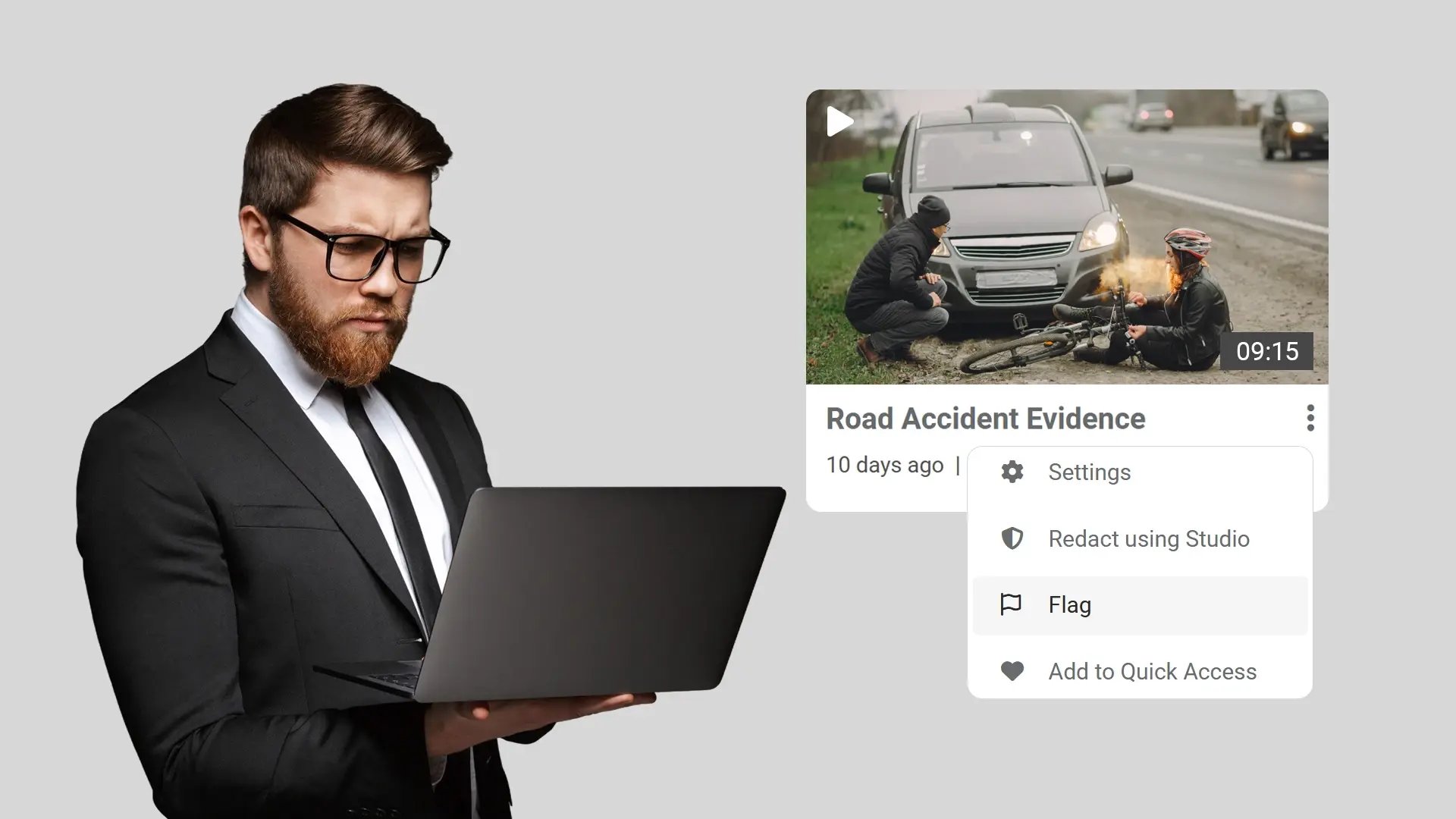
Authorized users can flag individual or multiple evidence files and cases to mark them for focused tracking within the portal.

Event Alerts
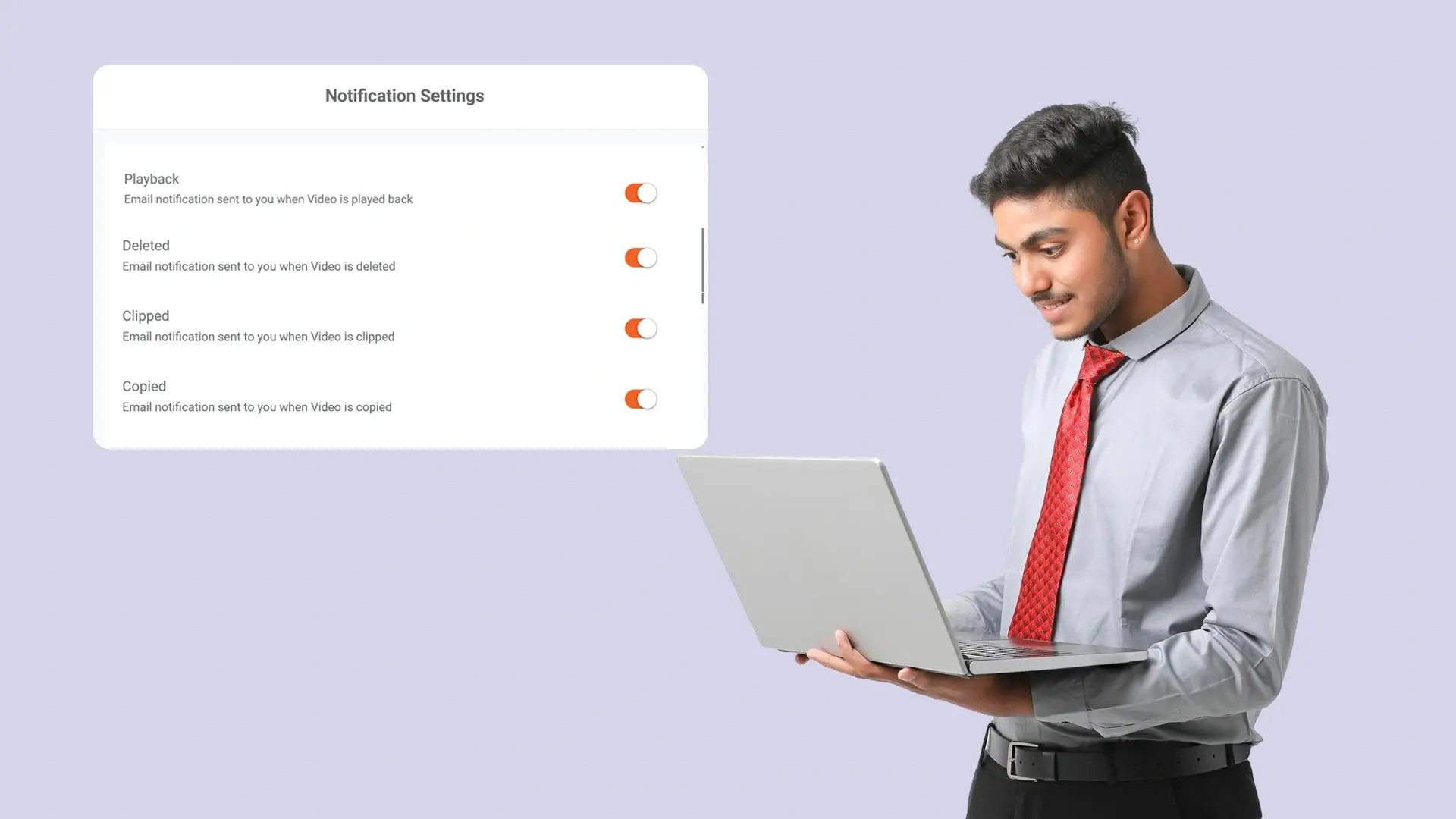
Select evidence or case events that trigger notifications, to stay informed about relevant activity tied to flagged content based on your defined rules.

Manage Notifications
Set default alert policies in user profile settings or configure notification preferences individually for specific flagged items.

Centralized Flagged View
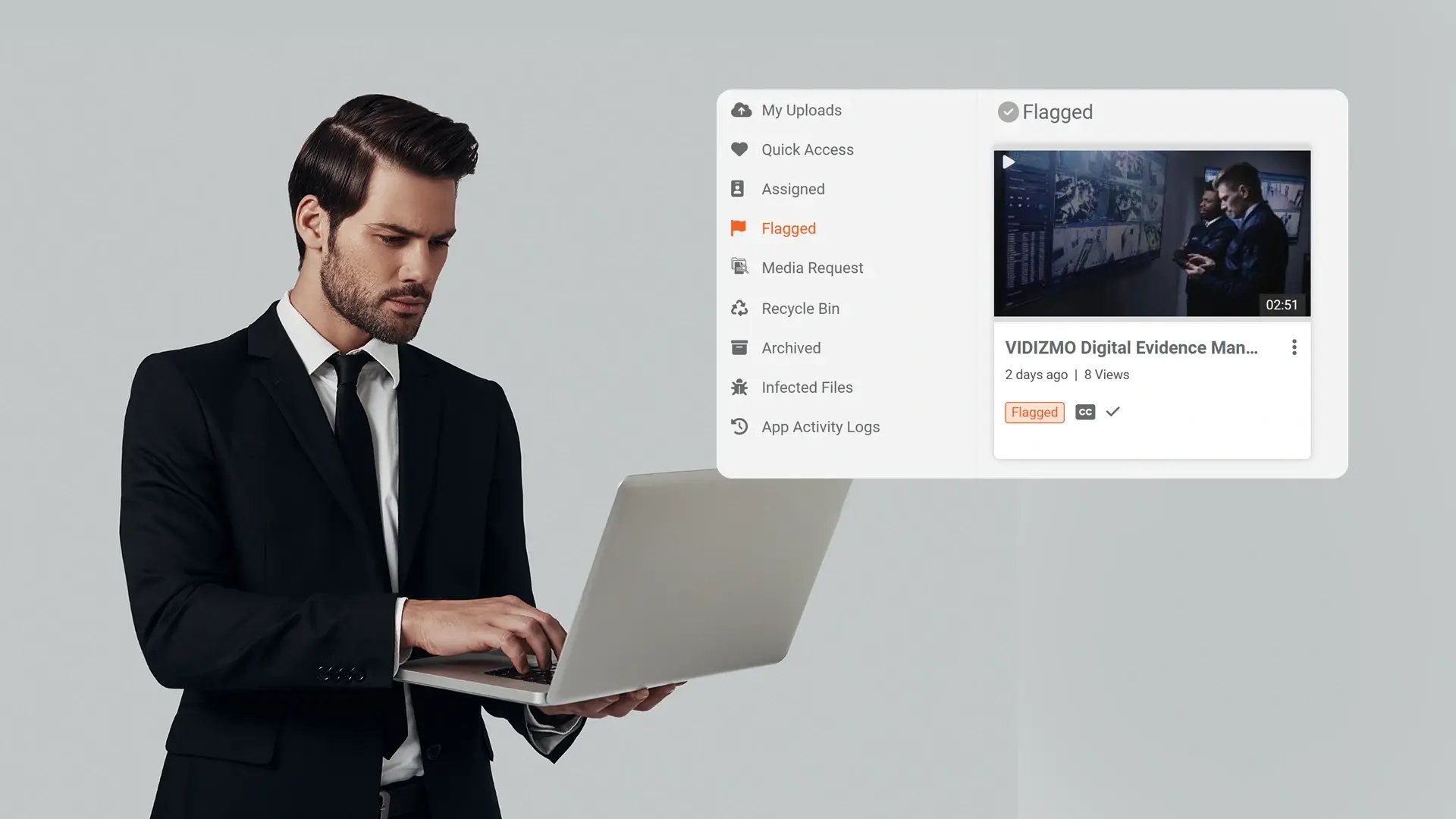
Access a dedicated Flagged section to review, sort, and filter marked evidence and cases from a single location within the portal.
Maintain Clear Visibility Over Sensitive Evidence
Flagging creates a defined way to identify evidence and cases that require attention. By marking specific items, users maintain clear visibility over designated content without altering permissions or access controls.
Receive Relevant Activity Alerts
Users can subscribe to specific events tied to flagged evidence or cases. Notifications are delivered based on defined preferences, ensuring awareness of meaningful activity while avoiding unnecessary alerts.
Centralize Oversight of Flagged Content
The dedicated Flagged section consolidates marked evidence and cases into a single, organized view. Users can sort and filter content to efficiently review items that require continued attention.
Strengthen Security and Compliance Monitoring
Flagging and event alerts help teams track activity related to evidence and cases. By choosing specific events to monitor, users are informed about important updates tied to sensitive content. This supports security and compliance by maintaining clear oversight.


Collect
Get evidence into your system. Upload files from any device or pull them in automatically from connected sources like bodycams or cloud storage.

Store
Keep all your evidence in one secure, central location. Organize it by case and control who can access it, with protection for sensitive information.

Review & Process
Work with your evidence. Use tools to search, analyze, annotate, and redact videos and documents right within the platform with your team.

Share & Preserve
Close the loop. Share finalized evidence securely with prosecutors or other agencies or archive it to meet long-term legal requirements.
