
See Every Angle of an Incident in One View
Bring together multiple related video recordings in a single synchronized view, allowing reviewers to analyze incidents from every angle without switching between files. Simultaneous multi-camera playback helps investigators follow event sequences accurately, validate actions across locations, and reduce the risk of misinterpretation.
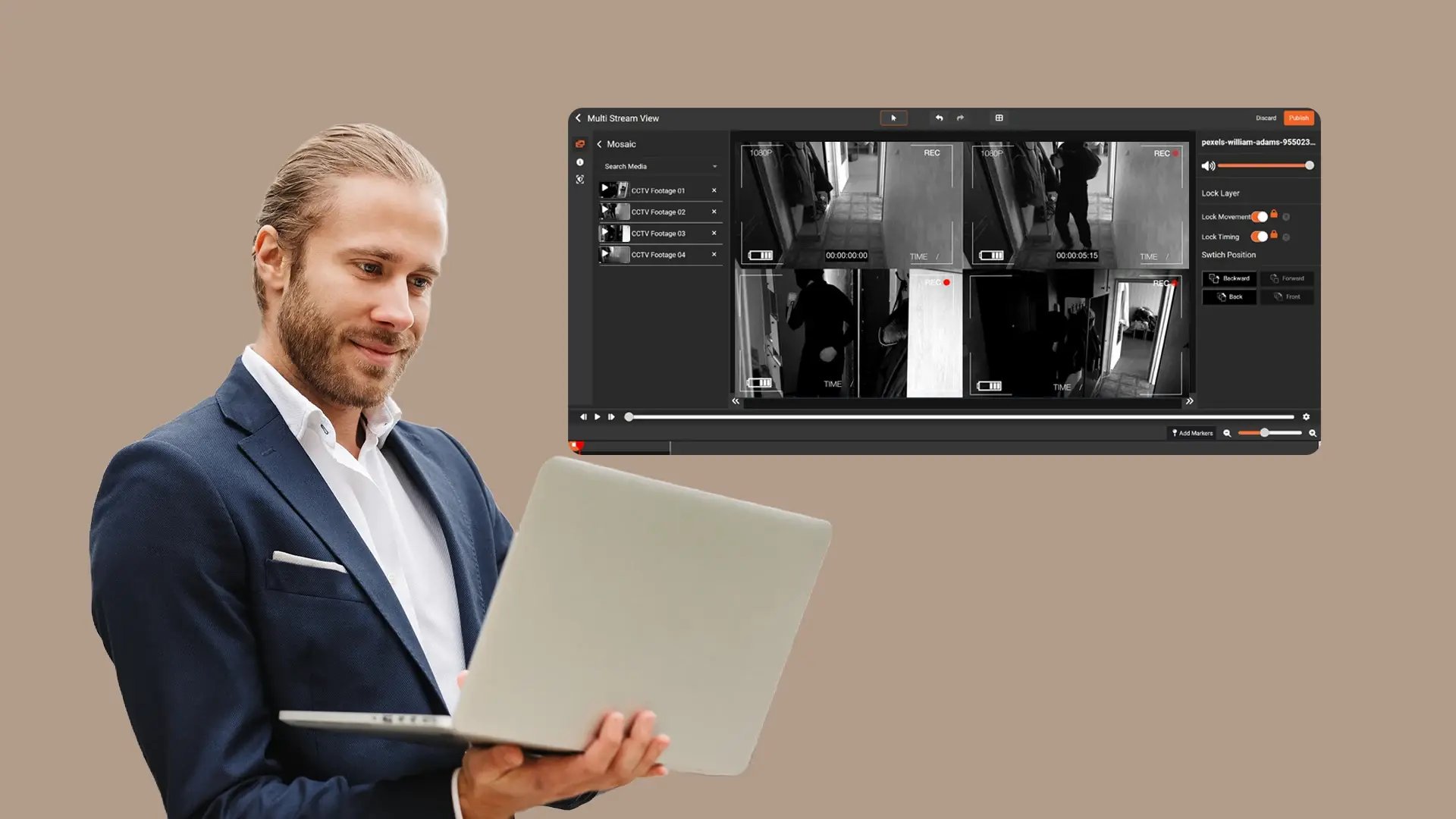

Multi-Stream View
Display multiple recorded video streams together within one composed view to support side-by-side evidence review.

Stream Synchronization
Align related video streams along a shared timeline using timestamps or user-controlled alignment to view matching moments across recordings.

Playback Control
Review multiple streams simultaneously with control over playback to examine key moments across perspectives.

Source Preservation
Present a composed mosaic view derived from original recordings while keeping each source video intact and unchanged.
Multi-Perspective Incident Review
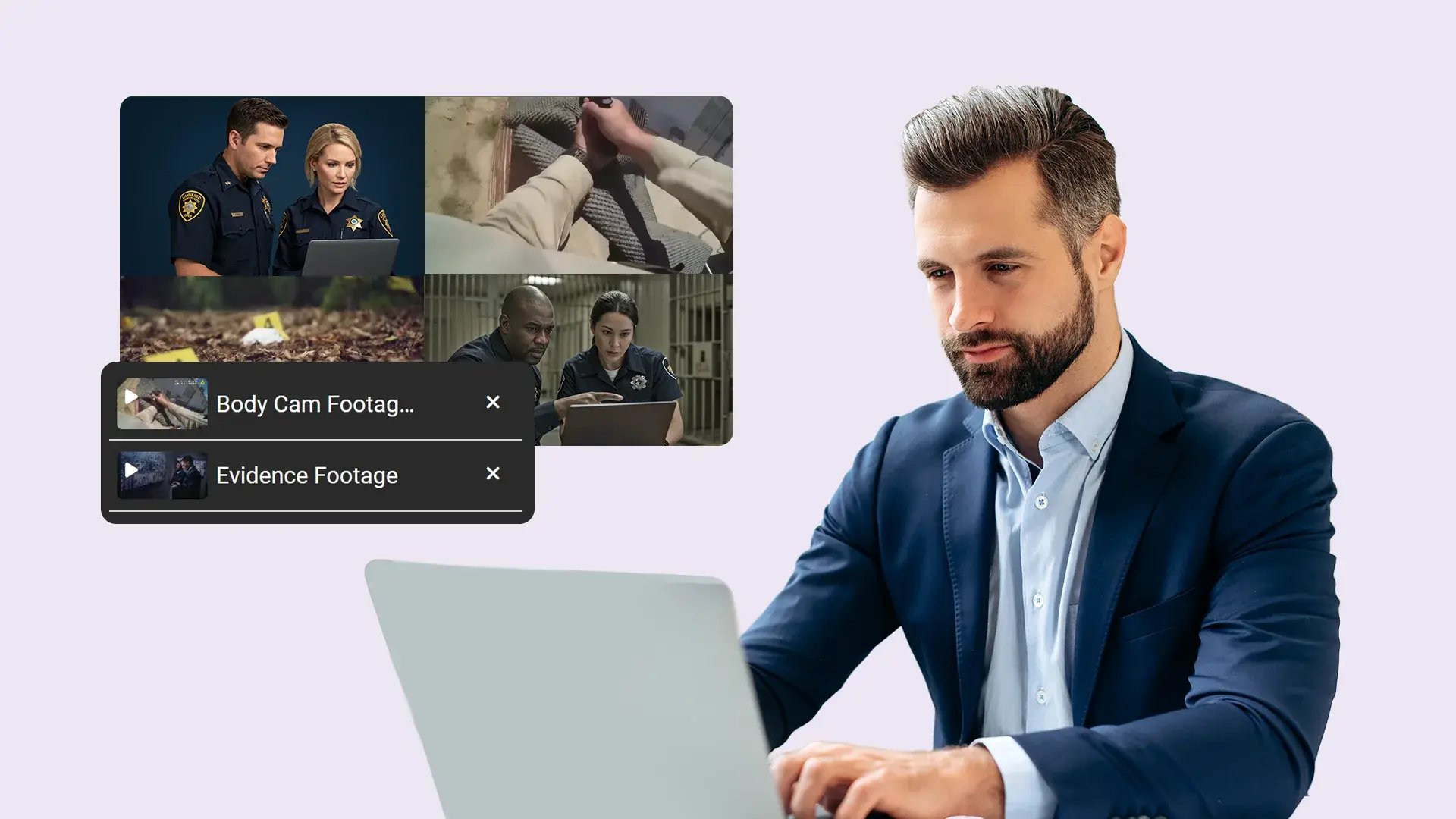
Viewing related recordings together allows reviewers to examine incidents captured from different angles or locations within a single visual context, supporting clearer understanding of how events unfolded without moving between separate files.
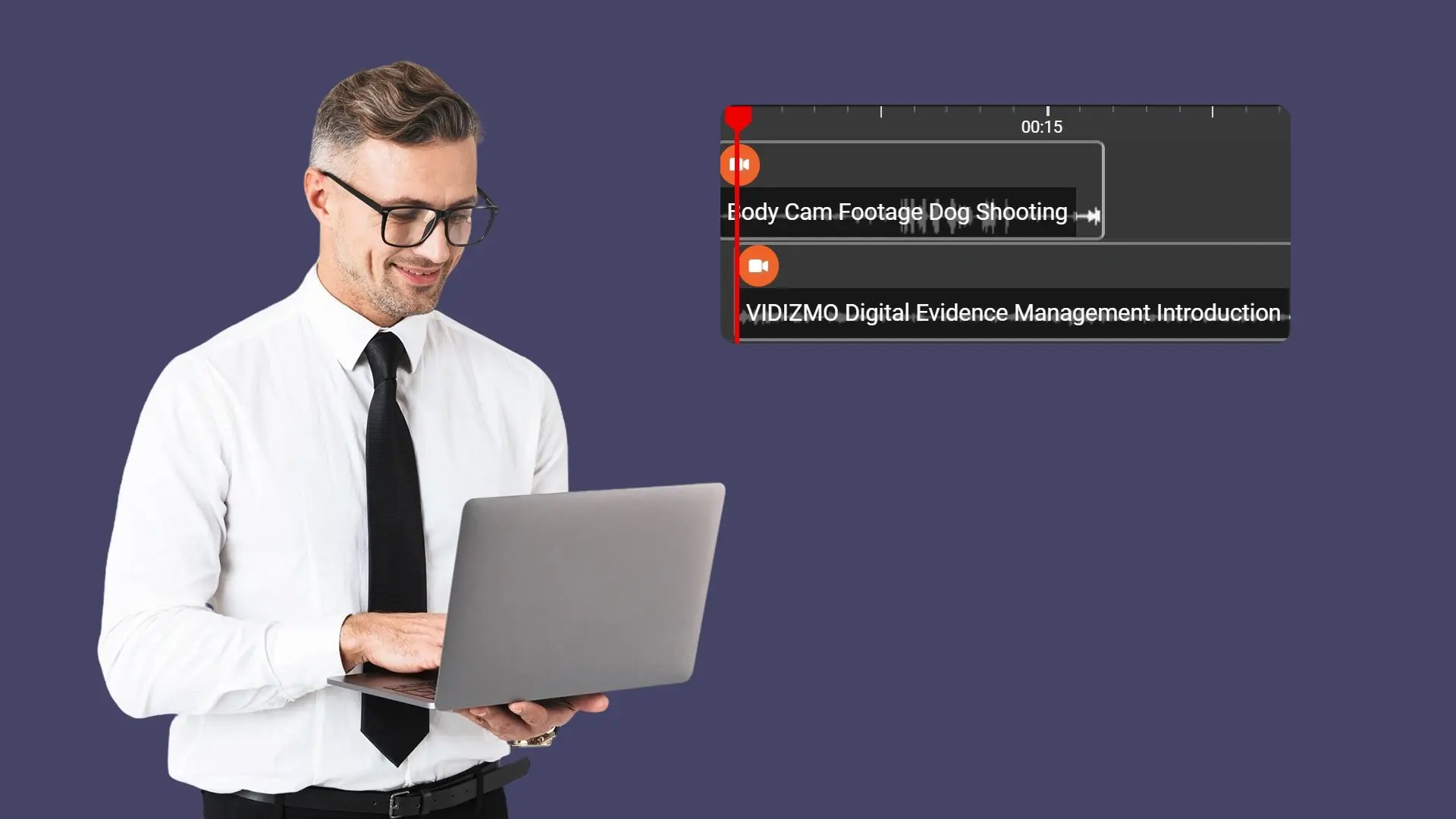
Timeline Alignment
Synchronizing video streams along a shared timeline helps reviewers accurately follow the sequence and timing of events across recordings. Temporal alignment makes it easier to correlate actions occurring in different videos at the same moment, supporting precise evidence review during incident analysis.
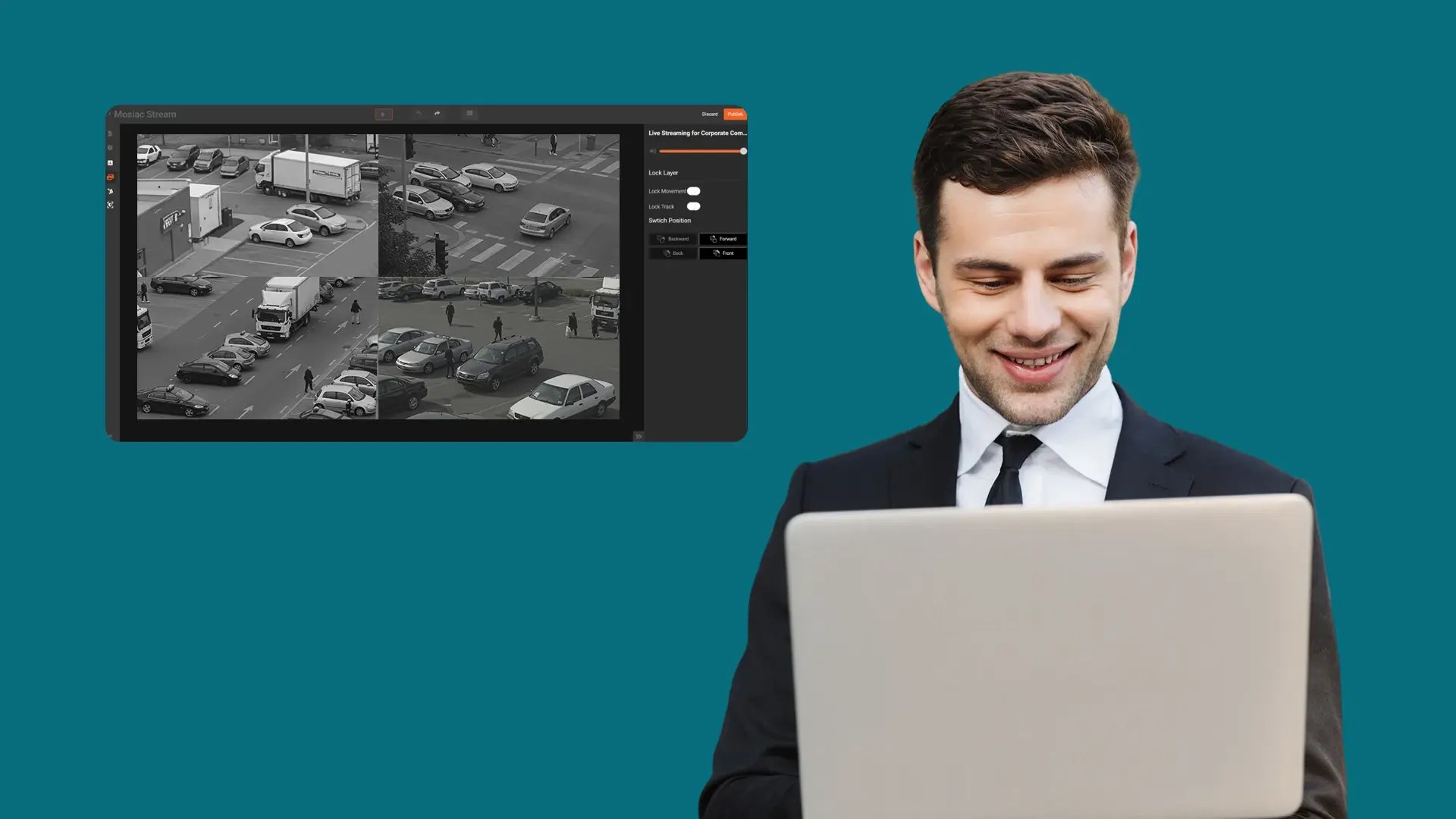
Unified Review Workflow
A unified mosaic workspace centralizes access to related video streams within one interface, reducing fragmentation during evidence review. This approach supports more efficient navigation, minimizes context switching, and helps reviewers maintain focus when working with multi-source video evidence.

Collect
Get evidence into your system. Upload files from any device or pull them in automatically from connected sources like bodycams or cloud storage.

Store
Keep all your evidence in one secure, central location. Organize it by case and control who can access it, with protection for sensitive information.

Review & Process
Work with your evidence. Use tools to search, analyze, annotate, and redact videos and documents right within the platform with your team.

Share & Preserve
Close the loop. Share finalized evidence securely with prosecutors or other agencies or archive it to meet long-term legal requirements.
