
Block Defined File Extensions at the Evidence Portal Upload Stage
VIDIZMO DEMS allows administrators to define specific file extensions that are not permitted within the evidence portal. When configured in the settings, files with restricted extensions are blocked from upload through the portal.

Control Which File Types Enter the Evidence Portal
Upload Restriction allows agencies to define which file extensions are not permitted within the evidence portal. When a file matches a restricted extension, the system blocks the upload at submission. This supports clearly defined intake standards and ensures that only permitted file formats enter the evidence repository.
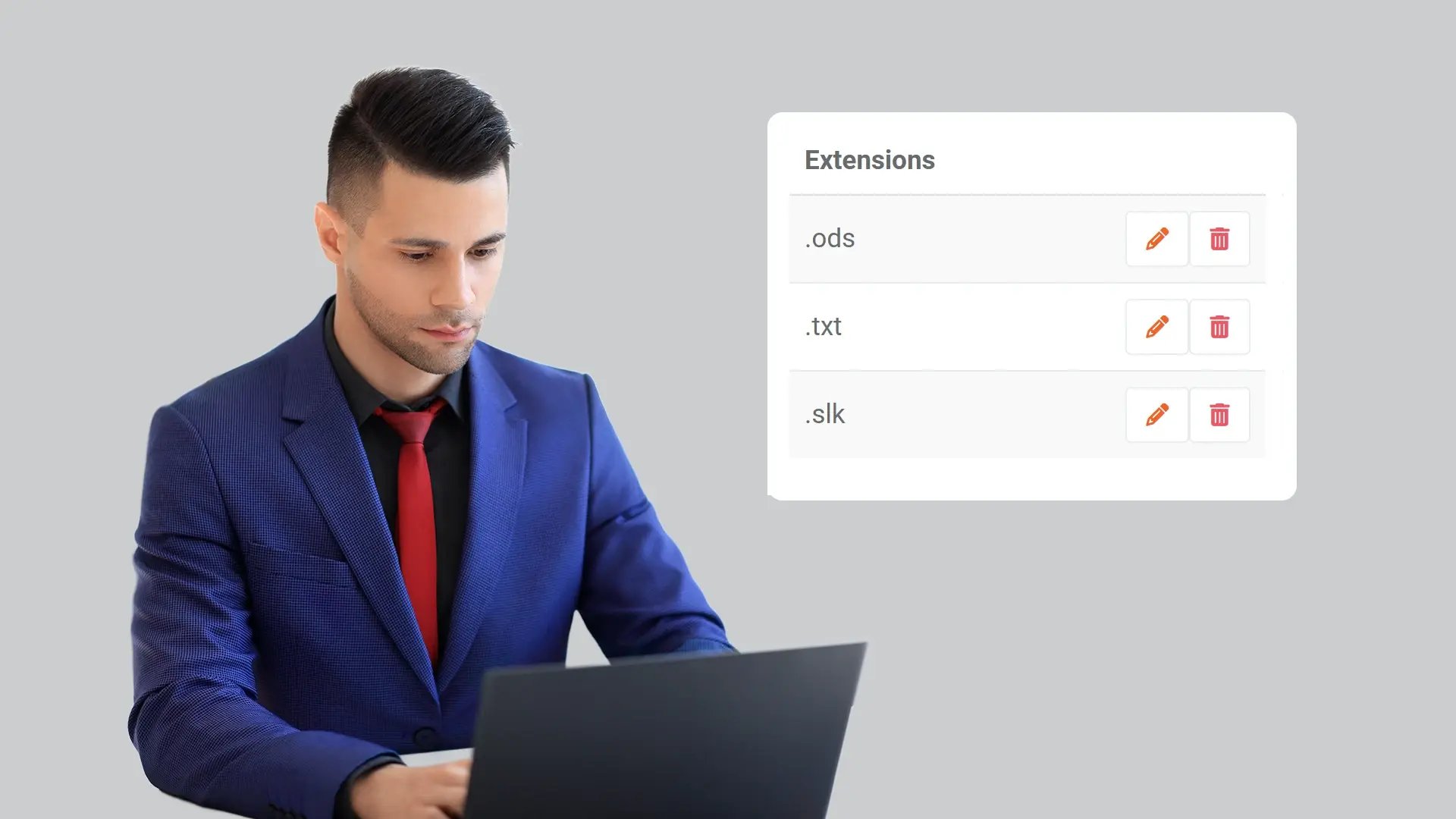
Maintain Administrative Authority Over Upload Rules
Restricted extensions are configured within the control panel and can only be modified by users with Manager privileges. This ensures that file type governance remains under designated administrative authority, maintaining centralized control over upload rules.
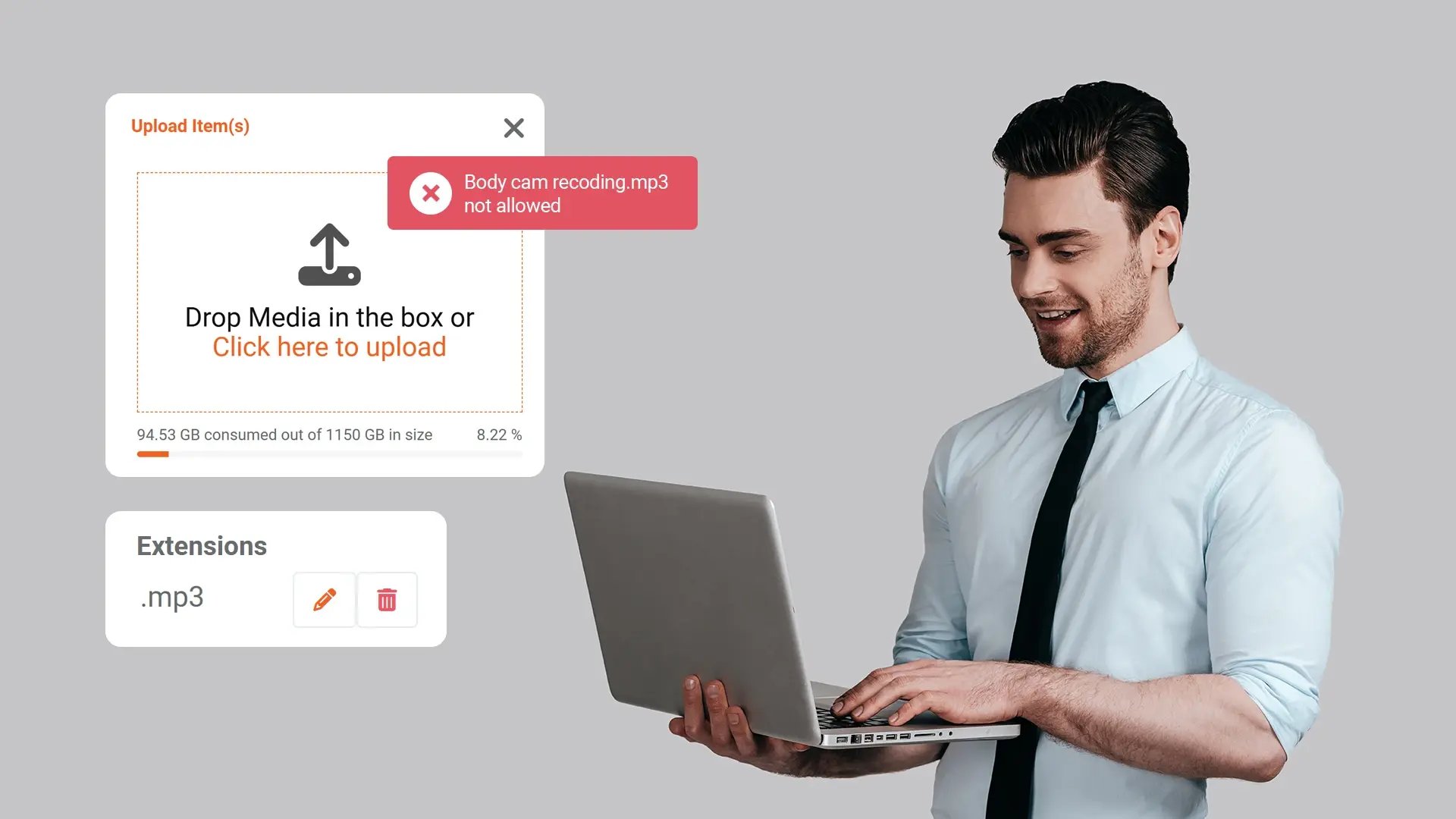
Apply Uniform Restrictions Across Portal and API Uploads
Extension-based restrictions apply equally to files uploaded through the portal interface and through API integrations. This ensures that upload standards remain consistent regardless of how evidence is submitted.
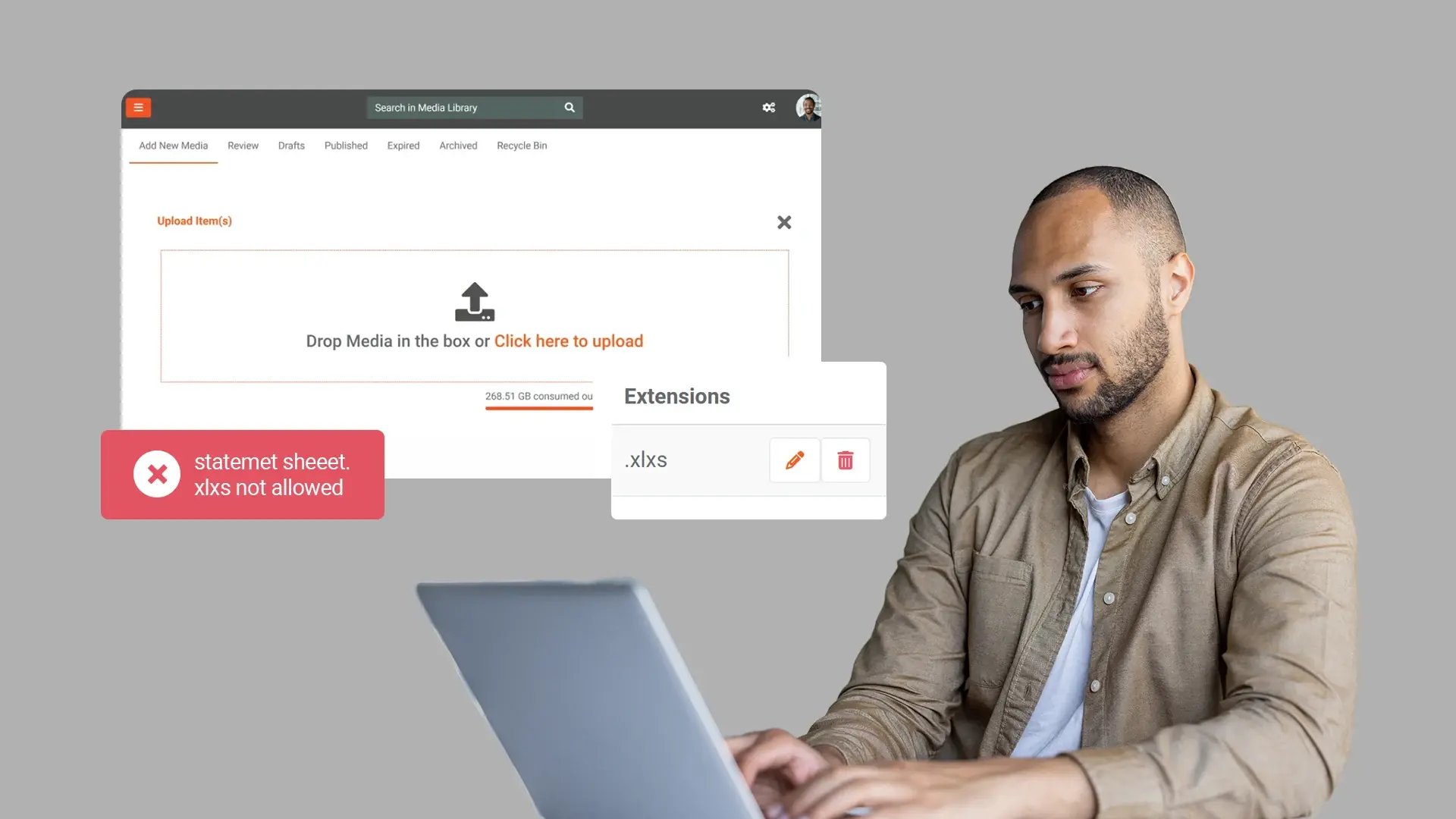
Update File Type Restrictions as Policies Change
Administrators can add, edit, or remove restricted extensions as operational or policy requirements change. This allows agencies to adjust file type controls while maintaining a structured and controlled evidence intake process.
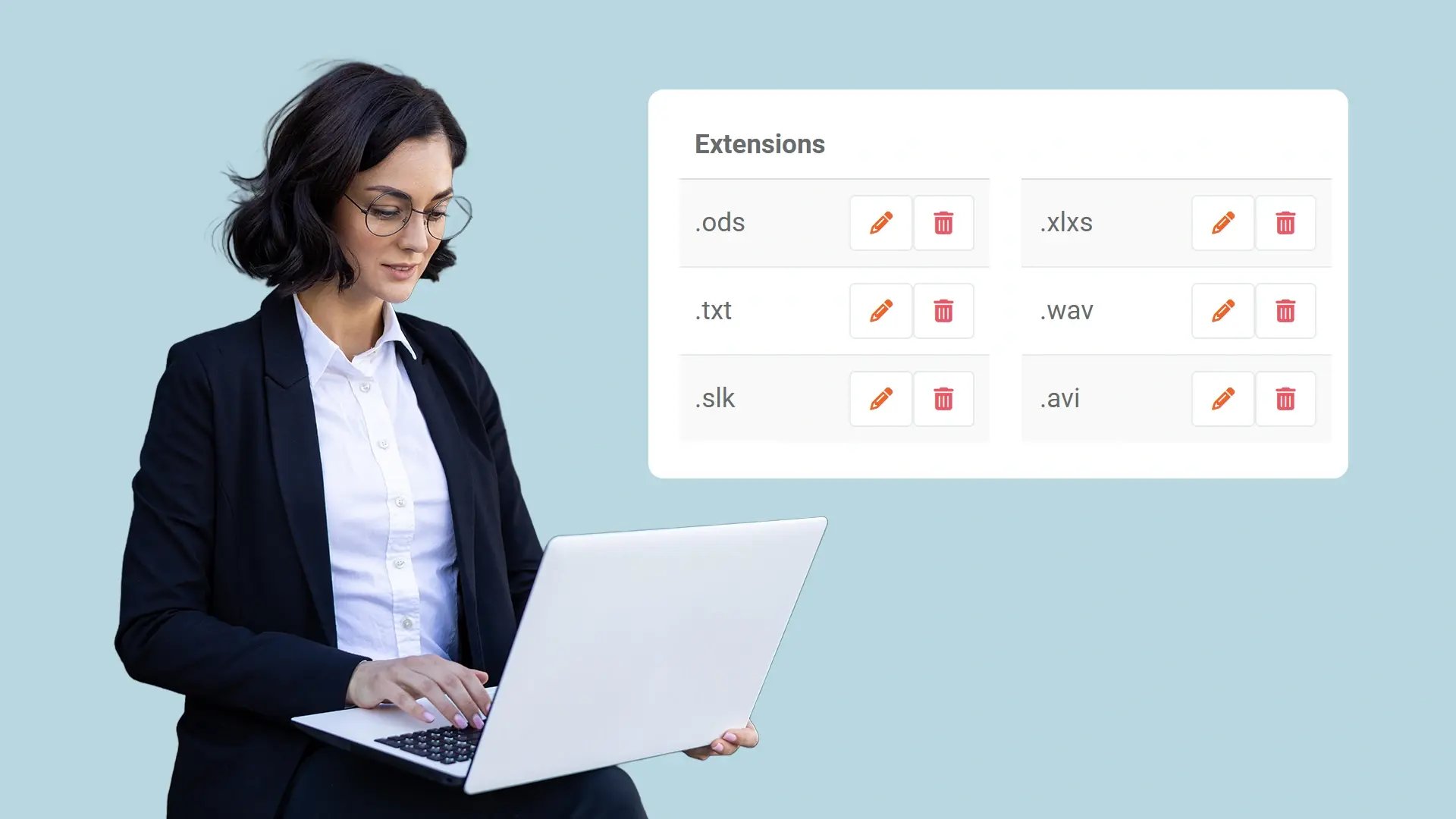
Limit the Evidence Repository to Approved File Formats
By preventing the upload of file types that do not meet agency requirements, Upload Restriction maintains a defined set of accepted formats within the portal. This supports adherence to intake standards and limits unsupported or unnecessary file types in the evidence repository.


Collect
Get evidence into your system. Upload files from any device or pull them in automatically from connected sources like bodycams or cloud storage.

Store
Keep all your evidence in one secure, central location. Organize it by case and control who can access it, with protection for sensitive information.

Review & Process
Work with your evidence. Use tools to search, analyze, annotate, and redact videos and documents right within the platform with your team.

Share & Preserve
Close the loop. Share finalized evidence securely with prosecutors or other agencies or archive it to meet long-term legal requirements.
