
By Nadeem Khan on July 16, 2026
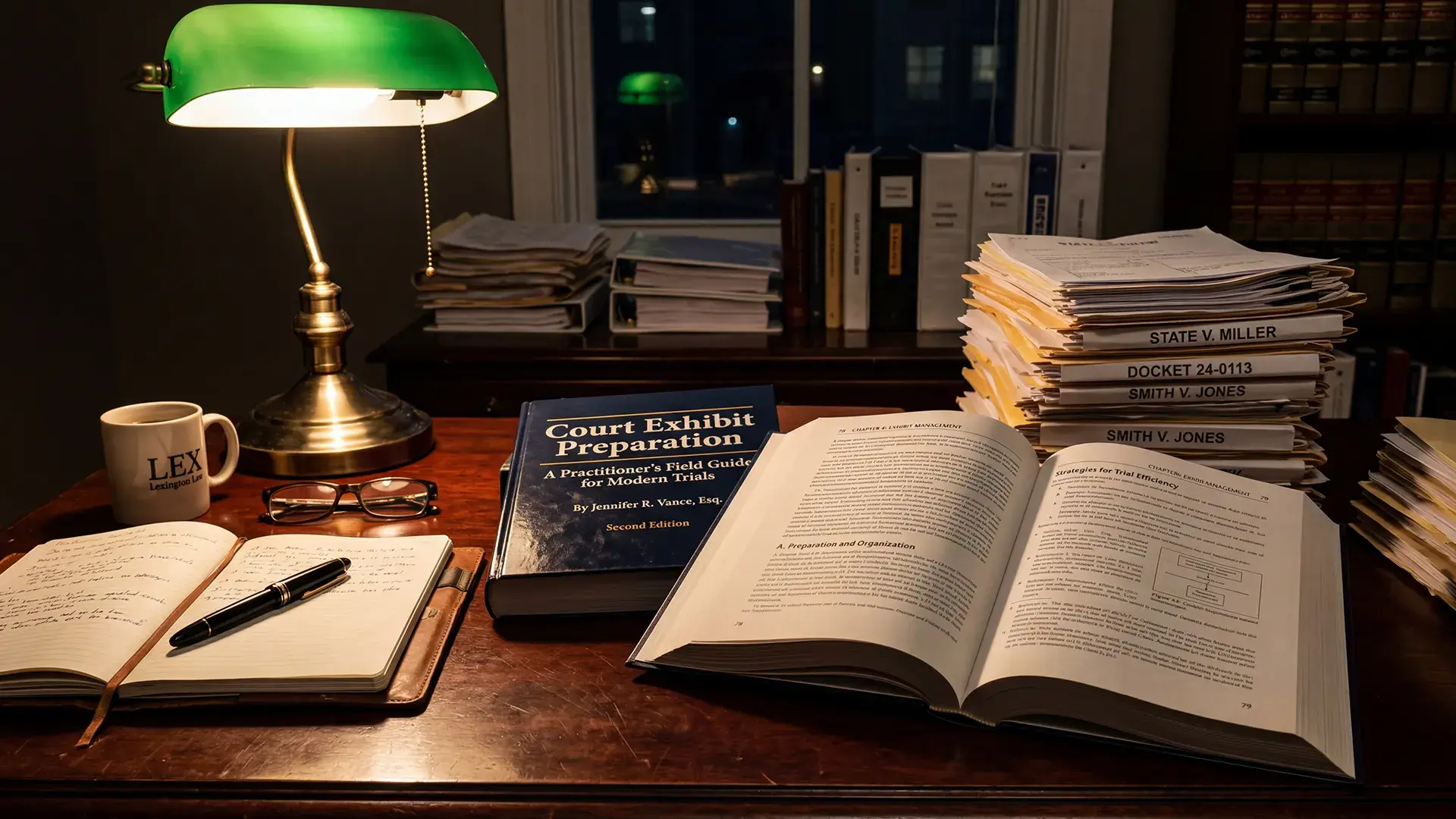
Court exhibit preparation is the discipline of organizing, authenticating, and presenting physical and digital evidence so a judge or jury can examine it during a trial or hearing. It sits at the intersection of evidence law, records management, and courtroom logistics, and it decides whether the work investigators and attorneys did over months survives a single afternoon of cross-examination.
The work has changed sharply in the last five years. A trial folder used to mean a redweld of paper, a cassette, and maybe a CD-R. A 2026 felony trial pulls in body-worn camera video, dashcam footage, cellphone extractions, social media exports, surveillance recordings from private businesses, and a stack of certified records, often totaling hundreds of gigabytes per case. Preparing exhibits from that pile, while keeping every file authenticatable, is the part most teams underestimate.
This guide walks through what court exhibit preparation actually involves today, where teams typically fail, and how modern digital evidence management practice has reshaped the workflow. It is written for the people doing the work, the prosecutors, paralegals, evidence custodians, and law enforcement records staff who sit between the case file and the courtroom.
Key Takeaways
- Court exhibit preparation is no longer just paper management; in 2026 it is dominated by digital media that must be authenticated, redacted, and produced in court-playable formats.
- Chain of custody breaks most often at handoffs between agency systems, not at collection or in the courtroom. Document every transfer with a timestamp, actor, and hash.
- The six core admissibility hurdles (relevance, authentication, hearsay, best evidence, prejudice, foundation) apply equally to digital exhibits. Plan the foundation witness before you build the exhibit.
- Color-coded labels and physical binders still help in court, but the underlying exhibit list should live in a system that tracks versions, redactions, and access history.
- A common mistake is producing exhibits in the format that was easiest to export rather than the format the court can actually display. Always confirm courtroom playback in advance.
What Is Court Exhibit Preparation in 2026?
Court exhibit preparation is the end-to-end process of selecting items from a case file, formatting them for court use, listing them on an exhibit register, and producing copies for the judge, opposing counsel, the witness, and the record. The goal is admissibility first and clarity second; a beautifully labeled exhibit that fails authentication adds nothing.
In practice the workflow has four phases: selection, treatment, documentation, and production. Selection is the lawyer's call about which items support the theory of the case. Treatment is the technical work, redaction, format conversion, clip extraction, and stitching. Documentation covers the exhibit list, the chain-of-custody affidavit, and any expert reports that explain how a digital exhibit was created. Production is the physical and digital delivery on the days before and during trial.
The Federal Rules of Evidence still anchor this work. Rules 401 and 402 govern relevance, Rule 901 governs authentication, Rule 1002 (the best evidence rule) governs originals and duplicates, and Rule 403 lets the court exclude otherwise admissible items if their prejudicial effect substantially outweighs their probative value. Every digital exhibit has to clear all five gates, and the preparation work is what makes digital evidence admissibility possible.
Why Does Modern Exhibit Preparation Fail So Often?
The honest answer is that the volume of digital media has outgrown the workflows most agencies and prosecutors' offices still use. From what we have seen working with public safety and prosecution teams, three failure patterns repeat across jurisdictions, and they account for most of the reasons digital evidence gets rejected in court.
The first is fragmentation. Body-worn camera video sits in one cloud vendor's portal, interview room recordings sit on an NVR in the precinct basement, dashcam clips arrive via thumb drive from a state trooper, and the 911 audio comes in as an email attachment from the PSAP. By the time everything reaches the prosecutor, nobody has a single inventory, and items get missed or duplicated.
The second is format mismatch. A patrol officer exports body-worn footage as a proprietary container that the courtroom monitor cannot play. A detective sends a phone extraction report as a UFED reader package the judge's clerk has never opened. We have seen trials paused for forty minutes while IT tries to install a codec, which is the exact moment the jury starts to disengage.
The third is documentation drift. The exhibit list shows fifteen items, but the chain-of-custody log shows twelve transfers, and the redaction log shows seven versions. When defense counsel asks which version was disclosed, the answer should take ten seconds; instead it takes ten minutes and a paralegal flipping through emails.
How to Build an Exhibit List That Holds Up Under Pressure
The exhibit list is the spine of the trial. Judges expect it before opening statements in most jurisdictions, opposing counsel uses it for objection planning, and the court reporter uses it to track what was admitted. Build it early and treat it as a living document, ideally inside a case management workspace that links each entry to the underlying file rather than a spreadsheet that drifts out of sync.
A defensible exhibit list contains, at minimum: an exhibit number, a short description, the source agency, the custodian who will authenticate it, the date of the underlying event, the format, the duration or page count, the production version (with hash), and a redaction status. For digital exhibits, add the codec or file type and the playback application required.
- Start the list at investigation handoff, not trial prep. The prosecutor's exhibit list should inherit from the agency's evidence inventory, not be rebuilt from scratch.
- Number sequentially by party, not by topic. Plaintiff/People exhibits 1 through N, defense exhibits A through ZZ. Topic grouping confuses the record on appeal.
- Mark each item before trial. Pre-marking saves courtroom time and reduces error. Most federal courts now require it.
- Reserve numbers for foundation exhibits. A certified business records affidavit (FRE 902(11)) is often its own exhibit; do not bury it inside the underlying item.
- Maintain a sealed/restricted column. Items containing minor victim information or grand jury material need separate handling instructions.
One thing worth flagging: the exhibit list is also the document opposing counsel will use to argue surprise. Anything not on the list, or added late, invites a Rule 403 objection or a continuance motion. We have seen otherwise strong cases lose key video evidence because it was added the morning of trial.
How Do You Authenticate Digital Exhibits Under FRE 901?
Authentication is the threshold question for digital exhibits. Federal Rule of Evidence 901(a) requires the proponent to produce evidence sufficient to support a finding that the item is what the proponent claims it is. For digital media, that means showing the file is a true and accurate copy of what was recorded, and that it has not been altered since collection.
The video evidence authentication standards courts apply have tightened as deepfake objections become more common, which makes the documented foundation more valuable, not less.
There are four authentication paths that work consistently for digital exhibits, and the right one depends on the source.
-1.png?width=1215&height=502&name=image%20(16)-1.png)
For each digital exhibit, the preparation team should produce a one-page foundation sheet: who collected it, when, what tool was used, what hash was generated at collection, what hash matches the production copy, and any chain-of-custody handoffs in between. The foundation witness reads from this sheet on direct examination. If collection itself was sloppy, no foundation sheet can fix it, which is why the rules for legally collecting digital evidence matter long before trial prep begins.
Why Chain of Custody Still Breaks at the Handoff Points
Chain of custody is the documented trail showing every person who had possession of an item, when, and what they did with it. Defense counsel will probe it during cross-examination, and a single undocumented gap can sink an exhibit's admissibility. The consequences of a broken chain of custody range from a suppressed exhibit to a dismissed case.
From what we've seen across municipal, state, and federal cases, the breaks rarely happen at collection. Officers are well-trained to log the initial seizure. The breaks happen at handoffs: from patrol to detective, from detective to evidence room, from evidence room to digital forensics lab, from lab to prosecutor's office, from prosecutor to court IT. Each handoff is a separate system, often with its own log format, and the gaps between systems are where the documentation drifts.
NIST SP 800-86 (Guide to Integrating Forensic Techniques into Incident Response) is the authoritative reference for chain of custody in digital investigations. It calls for documenting the identity of the item, the actor performing each action, the timestamp, the action taken, and the cryptographic hash before and after each action. That sounds like a lot, and in a manual system it is. In a unified digital evidence platform, the log writes itself.
A common mistake is treating chain of custody as the records clerk's job. It is everyone's job. The patrol officer who copies a thumb drive to a workstation, the detective who burns a DVD for a prosecutor, the paralegal who emails a clip to a witness, each of them is a chain-of-custody event, and each should be logged. The same discipline applies to storage and transfer, covered in more depth in our guide on how to secure digital evidence and maintain chain of custody.
What Redaction and PII Handling Are Required Before Exhibits Go to Court?
Most digital exhibits cannot go straight from collection to courtroom. They contain information that has to be redacted under statute, court order, or victim-protection rules. The big categories are juvenile information, minor victim identities, witness addresses, undercover officer faces, confidential informant identities, and PII required to be sealed under state public records laws.
Body-worn camera video is the hardest case. A single five-minute clip can contain a dozen bystander faces, three license plates, a child's voice, and an audible address. Each has to be reviewed and, if necessary, redacted. Doing this by hand in a video editor takes hours per clip and produces inconsistent results, which is why automated redaction has become standard practice for law enforcement agencies producing court and public records copies.
Two principles from the body-worn camera policy guidance collected in the DOJ Bureau of Justice Assistance BWC Toolkit apply directly to exhibit preparation. First, redactions must be irreversible in the produced copy (a blur layer that can be turned off is not a redaction). Second, the original unredacted master must be preserved and logged separately, since defense and appellate review can require access to it.
For court production, the practical workflow is: ingest the master, generate the working copy, redact on the working copy, hash and log the redacted version, and produce that version as the exhibit. The master never goes to court. The redaction log becomes part of the foundation sheet.
How to Produce Exhibits in Formats Courts Can Actually Play
This is the section most preparation guides skip, and it is where trials lose momentum. The courtroom monitor in your jurisdiction probably runs Windows 10 or 11 with whatever media player IT installed, and it does not have your favorite codec.
The safe production formats in 2026 are narrow:
- Video: MP4 with H.264 video and AAC audio. Plays on Windows Media Player, VLC, QuickTime, and every courtroom display system we have encountered.
- Audio: MP3 or WAV. Avoid proprietary recorder formats; transcode at production.
- Documents: PDF/A for archival, regular PDF for routine use. Avoid Word, which renders inconsistently across versions.
- Images: JPEG for photographs, PNG for screenshots and diagrams. Keep originals for any image that may require expert analysis.
- Transcripts: Plain PDF, with line numbering and timestamps if synced to media.
Two practitioner tips. First, always test the produced exhibit on the actual courtroom playback system before the day of trial. Most clerks will let you do this during a recess or a scheduling conference. Second, bring a USB drive with VLC media player as a portable application. If the courtroom system fails, you can run VLC from the drive in under a minute. We have seen this single move save a half-day of trial time.
How Should Teams Handle Multi-Stream and Synchronized Video Exhibits?
A growing number of trials involve multiple synchronized video streams: a body-worn camera, a dashcam, an interview room camera, and surveillance from a nearby business, all capturing the same incident from different angles. The jury benefits from seeing them side by side, but producing that view is technical work.
There are three approaches. The first is to play each stream sequentially. It works but burns courtroom time and forces the jury to mentally synchronize the angles. The second is to pre-render a single composite video showing all streams in a grid with timestamps. This is clear for the jury but creates a new digital exhibit that has to be authenticated as a derivative work, with its own foundation witness explaining how it was made. The third is to use a multi-stream player in the courtroom that displays the original files together in a synchronized grid, preserving each as an independent exhibit.
In practice, the third approach holds up best on appeal because each underlying file remains an authenticated original. The composite, while visually effective, often invites authentication objections that distract from the substance. If you do produce a composite, label it clearly as a demonstrative exhibit and pre-clear it with the court.
Centralized Digital Evidence Management and Its Role in Exhibit Prep
Most agencies and prosecutors' offices ended up with point solutions. One vendor for body-worn camera storage, one for interview room recording, one for case management, one for redaction, one for FOIA fulfillment. Each solved a problem at the time it was bought. Together they create the fragmentation that breaks exhibit preparation.
A digital evidence management system (DEMS) consolidates ingestion, storage, processing, redaction, and sharing into a single platform with one chain-of-custody log and one access-control model. The exhibit preparation workflow that used to span five tools and three email threads becomes a single linked record. If your office is comparing platforms, our digital evidence management system selection guide covers the evaluation criteria in detail.
VIDIZMO DEMS approaches this by handling vendor-agnostic ingestion from body cams, dashcams, CCTV, interview rooms, drones, and mobile devices, then layering AI-assisted review, redaction, transcription, and search on top of a CJIS-aligned storage and audit foundation. The platform supports SaaS, Government Cloud, on-premises, and air-gapped deployments, which matters because many prosecution offices and federal agencies cannot use commercial cloud.
Two capabilities relevant to court exhibit preparation are worth naming. SHA-256 tamper detection runs on every file at ingestion and again at production, so the foundation witness can attest to integrity from a verified log rather than memory. The multi-stream mosaic viewer lets prosecutors present synchronized angles in court without producing a composite derivative, preserving the original authentication path for each underlying clip.
Compliance Standards That Shape Court Exhibit Preparation
Exhibit preparation in criminal cases sits inside a thick layer of regulatory requirements. The team has to satisfy the rules of evidence, the standards governing how digital data was stored, and any privacy or sealing requirements specific to the case. We cover the broader compliance requirements for digital evidence separately; the standards below are the ones that surface most often in exhibit work.
-1.png?width=1221&height=576&name=image%20(17)-1.png)
Section 508 accessibility (36 CFR Part 1194) is the standard most teams forget. If an exhibit will be reviewed by a deaf juror or a vision-impaired judge, the production has to include captions or audio descriptions. Confirm accommodation requests with the clerk during pre-trial conferences and build the captioned versions before the trial date, not during it.
The Pre-Trial Exhibit Review Checklist We Use With Agency Teams
This is the working checklist we walk through with prosecutors and agency staff seven to fourteen days before trial. It catches roughly 80% of the problems that would otherwise surface in court.
- Exhibit list complete, numbered, and shared with opposing counsel and the court
- Every digital file produced in a court-playable format and tested on the actual courtroom system
- Hash values for each digital exhibit recorded and matched between collection and production
- Foundation witness identified and prepared for each exhibit, with a one-page foundation sheet in hand
- Redactions completed, logged, and irreversible in the production copy
- Chain-of-custody documentation continuous, with no gaps between handoffs
- Sealed or restricted exhibits handled under separate cover with court-approved access controls
- Three physical binders prepared (judge, witness, your team) for paper exhibits, color-coded by party
- Backup copy of digital exhibits on a separate, encrypted drive, with VLC portable installed
- Accessibility accommodations confirmed for any party or juror who has requested them
Bringing It Together for the Courtroom
Court exhibit preparation rewards teams that treat it as a process, not a last-week scramble. The exhibits that hold up under cross-examination are the ones that came out of a system with continuous chain of custody, verifiable hashes, irreversible redactions, and a court-playable production format. The exhibits that fail are usually the ones where someone trusted that the pieces would come together at trial.
For agencies running modern digital caseloads, a unified digital evidence management platform is the practical answer to the fragmentation problem. It compresses a workflow that used to live across five tools and a dozen emails into a single record, and it produces the foundation documentation a prosecutor needs without anyone having to assemble it by hand.
If your agency or office is rebuilding its exhibit preparation workflow for 2026 caseloads, explore how a CJIS-aligned digital evidence management platform handles the ingestion, redaction, chain of custody, and multi-stream presentation work in one place. Book a VIDIZMO DEMS demo to see the court exhibit preparation workflow end-to-end, from collection to courtroom.

People Also Ask
Mark the exhibit for identification, show it to opposing counsel, lay the foundation through a witness who can authenticate it, move it into evidence, allow voir dire or cross-examination on the foundation, and publish it to the jury. Each step has its own evidentiary rules, and skipping any of them invites an objection that can keep the exhibit out.
Yes, but how closely depends on the type of exhibit and the stage of the proceeding. Judges review documentary exhibits in detail during bench trials and dispositive motions, and they review video and audio exhibits to rule on Rule 403 prejudice objections before the jury sees them. In jury trials, the judge's review focuses on admissibility decisions rather than substantive weight.
Pre-mark every exhibit using your jurisdiction's convention (numbers for one party, letters for the other), prepare three physical binders with tabbed dividers (one for the judge, one for the witness, one for your team), and bring digital exhibits on at least two separate encrypted drives with court-playable formats. Confirm the courtroom playback system in advance, and arrive early enough to test every digital file before proceedings start.
Digital evidence is authenticated by producing evidence sufficient to support a finding that the item is what the proponent claims it is. The most common methods are testimony from a witness with knowledge (FRE 901(b)(1)), evidence about a process or system that produces an accurate result (FRE 901(b)(9)), and self-authentication for electronic records under FRE 902(13) and 902(14). Pairing testimony with a documented hash value satisfies most courts.
FRE 1002 requires the original of a recording to prove its content, but FRE 1003 makes a duplicate admissible to the same extent as the original unless a genuine question is raised about authenticity. In practice, a forensically copied digital file with a matching SHA-256 hash is treated as a duplicate that satisfies the best evidence rule, provided chain of custody supports it.
Retention is governed by jurisdiction-specific statutes and the NARA General Records Schedule for federal cases. Most jurisdictions require retention until all appeals are exhausted, with extended retention for capital cases, post-conviction DNA reviews, and cases involving juveniles. A 2025 best-practice consensus across state attorneys general associations is to retain digital evidence for the longer of the statutory minimum or the maximum sentence imposed, whichever is greater.
An exhibit is evidence admitted in the record that the jury can consider as proof of a fact. A demonstrative aid is a visual tool (a chart, a timeline, a composite video) used to help a witness explain testimony but not itself admitted as substantive evidence. The distinction matters on appeal, since a demonstrative aid usually does not go back to the jury room while admitted exhibits do.
About the Author

Jump to

Compliance for Evidence: Legal Standards Governing Digital Evidence
.webp)
Dash Cam Footage & FOIA Fulfillment for Small Police Departments
-3.jpg)

No Comments Yet
Let us know what you think